
Table ordering (QR)
Ordering food at the table with a QR code.
Guests scan the QR code at their table and order from their own phone. The table number goes to the kitchen display together with the order. You can offer online payment or payment at the table.
No card required · Every module included · 0% commission

How it works
From scanning the QR code to the order in the kitchen.
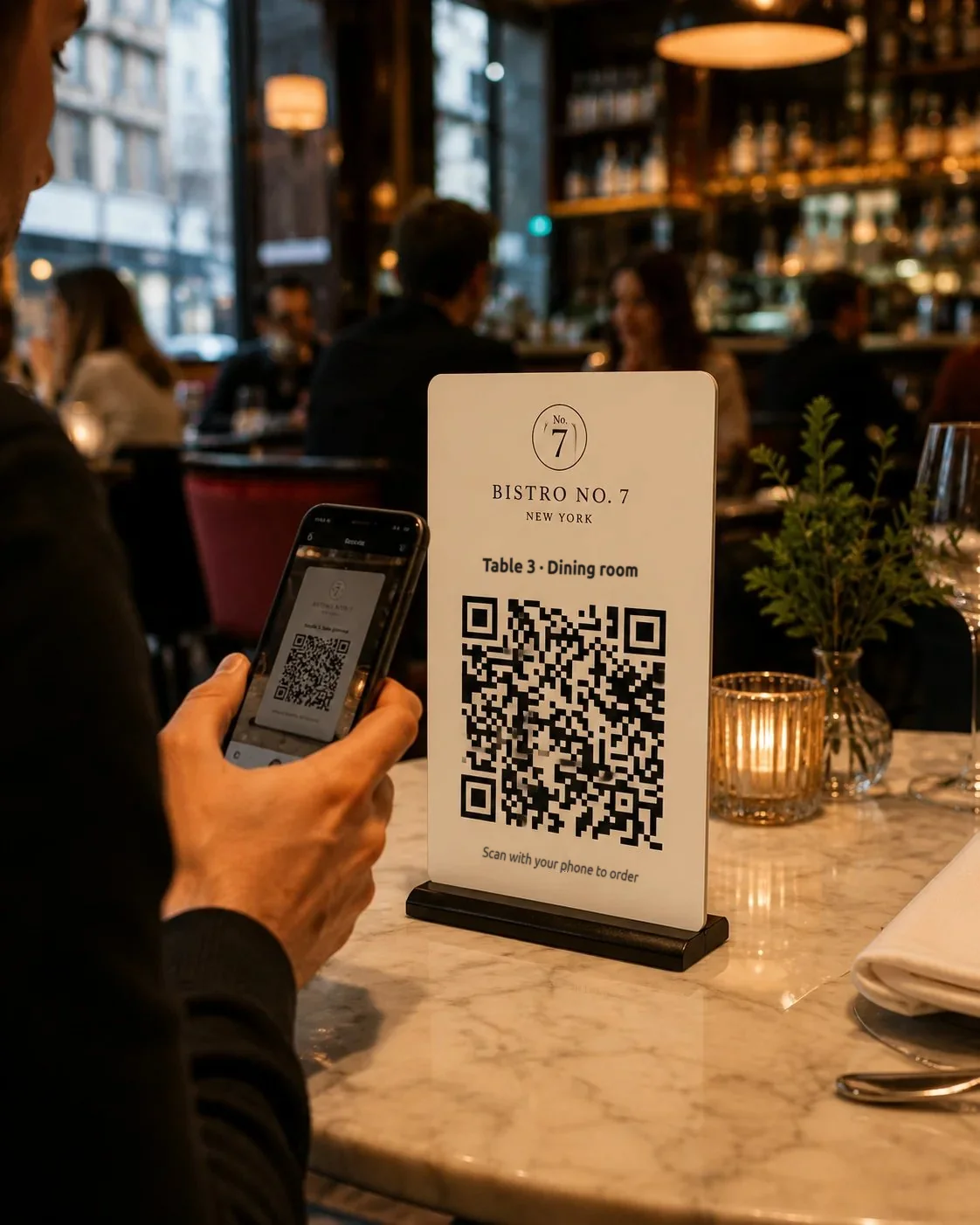
The customer scans the code on the table
Each table has its own QR code. The phone opens the menu assigned to that table.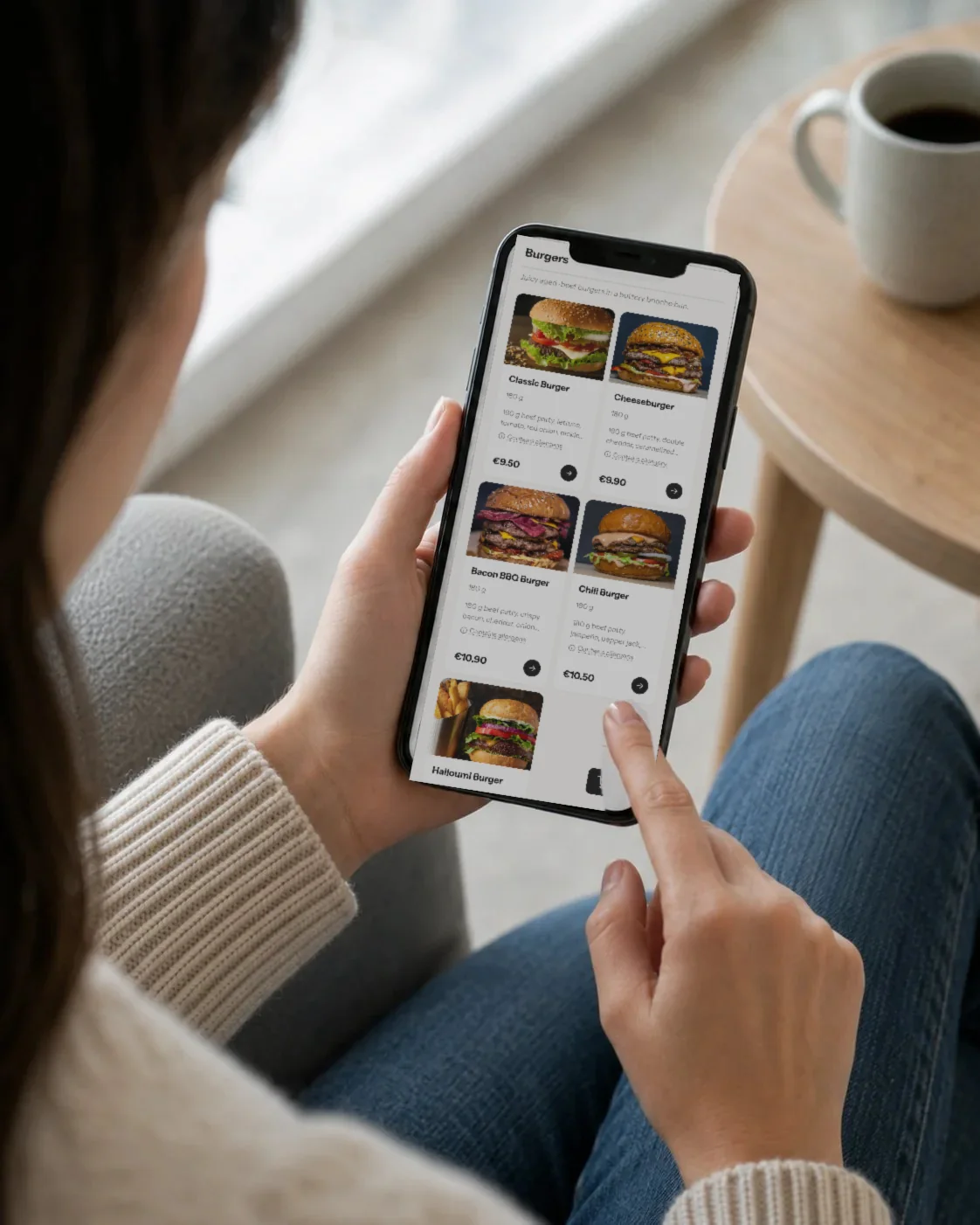
They order and pay from their phone
Customers pay online or choose “pay at the table” if your venue offers that method.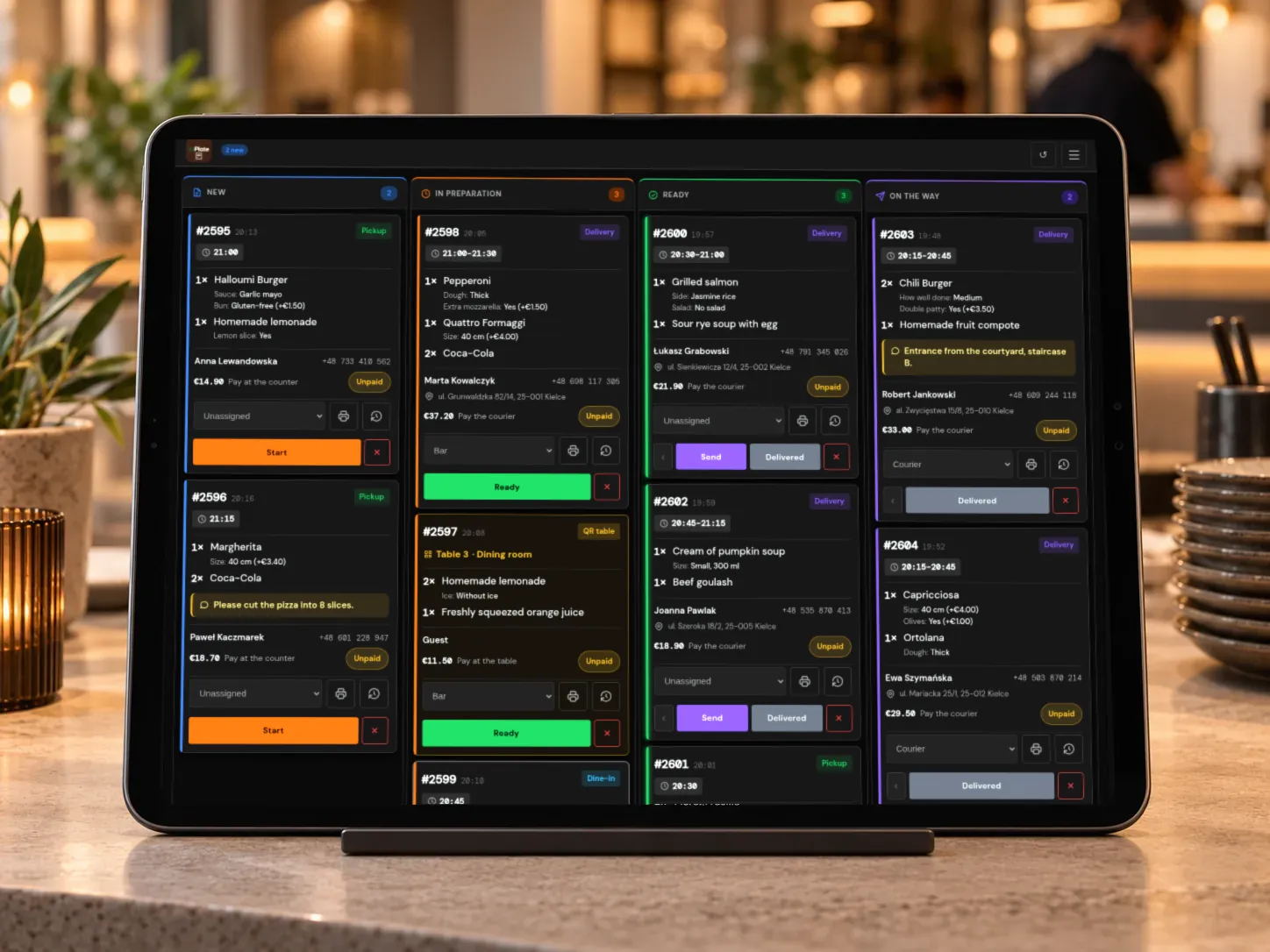
The kitchen sees the table number
The order goes to the KDS with the table number, under a separate “QR tables” filter.
Features
Managing tables and QR codes.
Tables and dining areas
Create areas, e.g. “Patio” and “Main dining room”, then assign tables to them.
Printable QR codes
Generate QR codes for all your tables in a PDF file and print them on a regular printer.
Unique table codes
Each code contains a random identifier. When you generate a new one, the previous code stops working.
Separate sales hours
Table orders can be available at different hours than takeaway orders, e.g. only while the dining room is open.
Minimum order value
You can set a minimum value for orders placed at the table, if your venue has such a rule.
A separate filter in the KDS
In the kitchen, you can show only table orders with a separate filter.
In a restaurant
Table orders at your busiest times.
Guests choose dishes on their phone themselves. The kitchen gets the order with the table number, and servers can spend more time serving food and looking after the dining room.

FAQ
Questions about QR tables.
Didn’t find your answer? Write to us. We’ll answer your questions about the product.
Take orders on your restaurant’s own website.
For 30 days you can try WP InPlate with your own menu, pickup times, delivery and kitchen display. If you need help getting started, get in touch.
No card required. Cancel anytime.