
WP InPlate for food trucks
Order ahead, pick up at a chosen time.
Customers choose dishes on your website and order ahead for a set time. Orders appear on a tablet, and staff can quickly turn off items that are unavailable.
No card required · Every module included · 0% commission
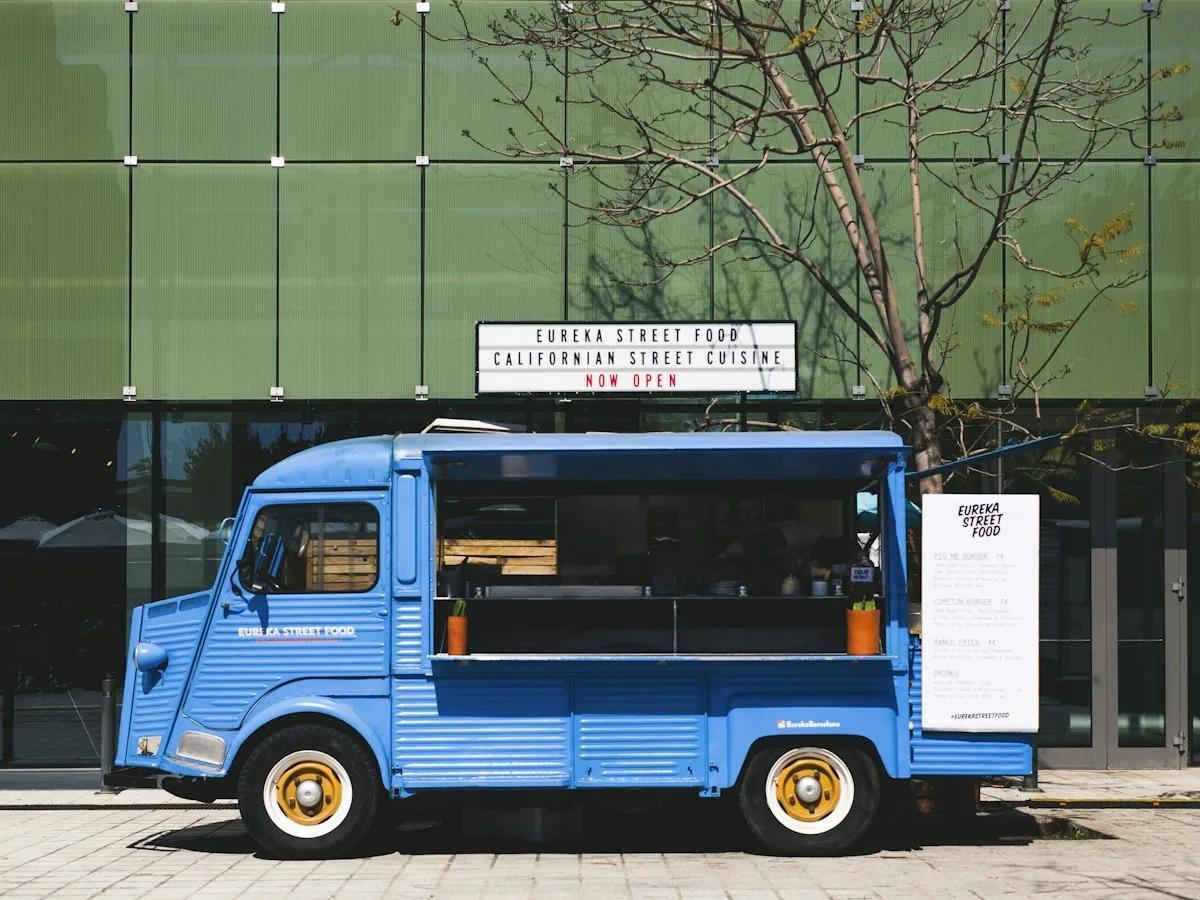
Challenges in your venue
Orders placed ahead can shorten the queue at the window.
A long queue can be a sign of popularity, but for people with a short break it can mean giving up on buying. Pickup at a set time helps spread the traffic.
People leave the queue
Someone on a lunch break won’t risk a 20-minute wait.
Everything at once
Taking orders, taking payments and cooking in three square meters.
Sold out, but people keep ordering
The last portion is gone, and people are still asking for it.
Irregular hours
Customers don’t know when you’re open and order blindly.
How it looks in practice
How order pickup works at a food truck.
Morning · You set the hours
Set your selling hours and days off. Outside them, customers see when they can order again.11:30 · Orders before opening
Customers choose pickup at 12:15. Orders placed in advance help you plan meal prep.12:00 · A tablet in the truck
New orders appear in the KDS with a sound alert. Once marked “Ready”, the customer gets an email.12:15 · Pickup at the side of the window
The customer gives the order number and picks up the prepared meal at the window, without ordering again.13:40 · Sold out
When a dish runs out, you turn it off on the menu. Customers can see an “Unavailable today” message.
Useful features
What makes work in your venue easier.
A menu, available pickup times and quick changes to dish availability. One license covers every module.
Pickup at a chosen time
Set pickup hours. Customers get an email when their order is ready.
Online menu
Show a short menu with add-ons and a cart on your food truck’s website.
Kitchen display (KDS)
Orders appear on the tablet, without copying them onto slips.
Manager panel
From a tablet you can change prices and the availability of individual dishes.
Schedule and ordering hours
Outside ordering hours, customers see the next available time.
Payments
Customers can pay online or in cash at pickup.
Cost comparison
How much do order commissions cost?
This is a sample calculation. Enter your monthly number of orders, the average cart value and the commission rate to estimate the cost of using a platform.
- Example platform commission range
- 15–30%
- WP InPlate commission per order
- 0%
- Monthly commission at 20%
- ≈ $600
- Example: 300 orders × $10 on average. Your numbers will be different.
- Free trial, no card required
- 30 days
How to start
From setup to the first order.
The wizard guides you through setting up the system. To start, you only need to set three basic things.
Turn on pickup only
Turn on pickup, set short spacing between times and a preparation time. You can leave delivery turned off.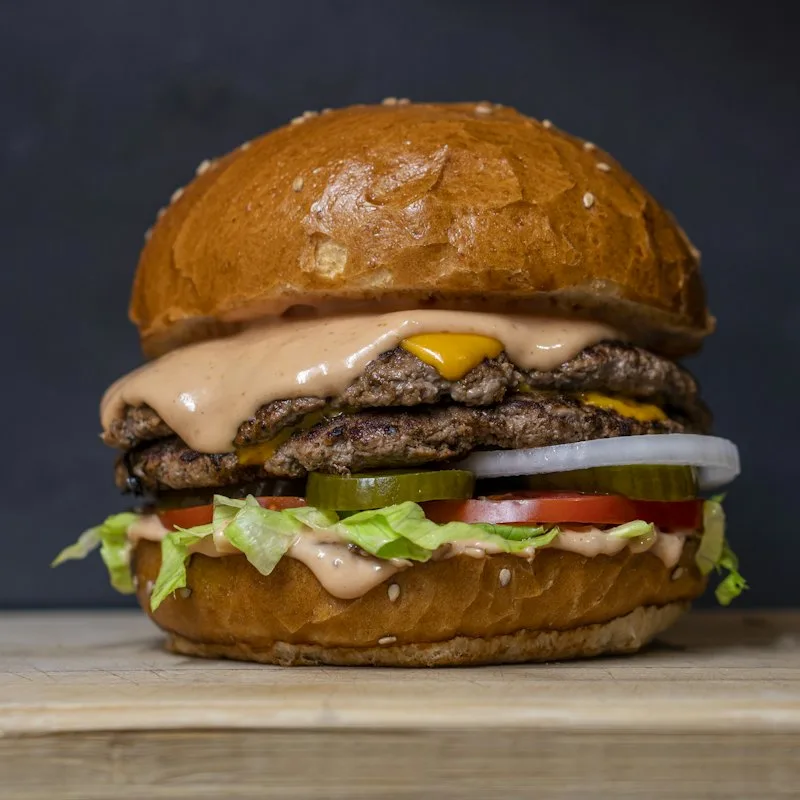
Add a short menu
Add the dishes you sell at the window and set up the available add-ons.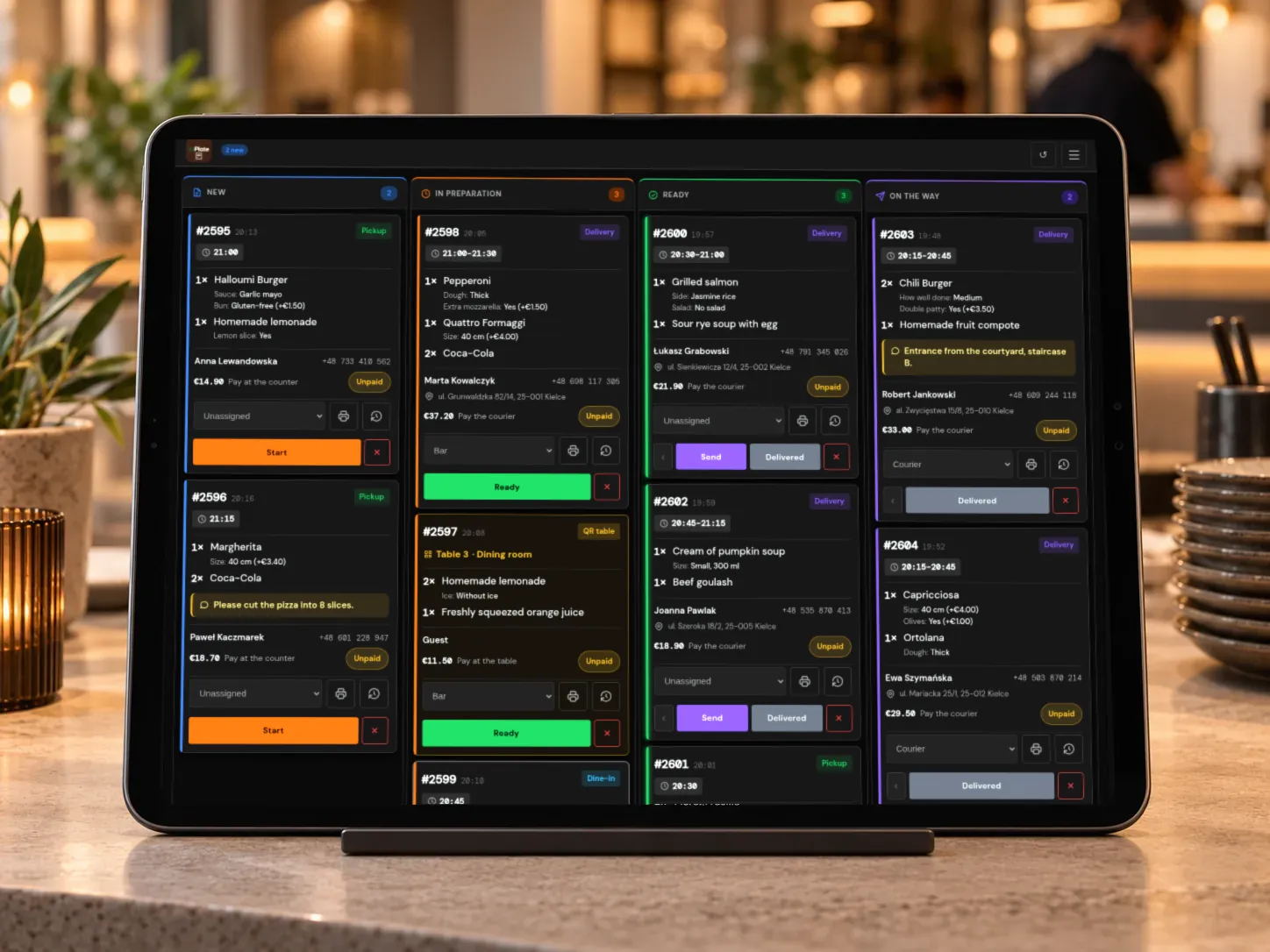
Put a tablet in the truck
The kitchen display runs in a browser and announces new orders with a sound. On supported devices, it can stay on.
Good to know
What WP InPlate won’t replace.
No changing location on a map
WP InPlate doesn’t show customers your food truck’s current location. You can post where you’re parked on your own website.
Requires internet in the truck
The tablet with the KDS needs an internet connection. You can share one from a phone, for example.
It doesn’t replace a card terminal or a till
You handle payments at the window and receipts as before.
FAQ
Frequently asked questions about online ordering.
Didn’t find your answer? Write to us. We’ll answer your questions about the product.
Other kinds of venues
How other venues use WP InPlate.
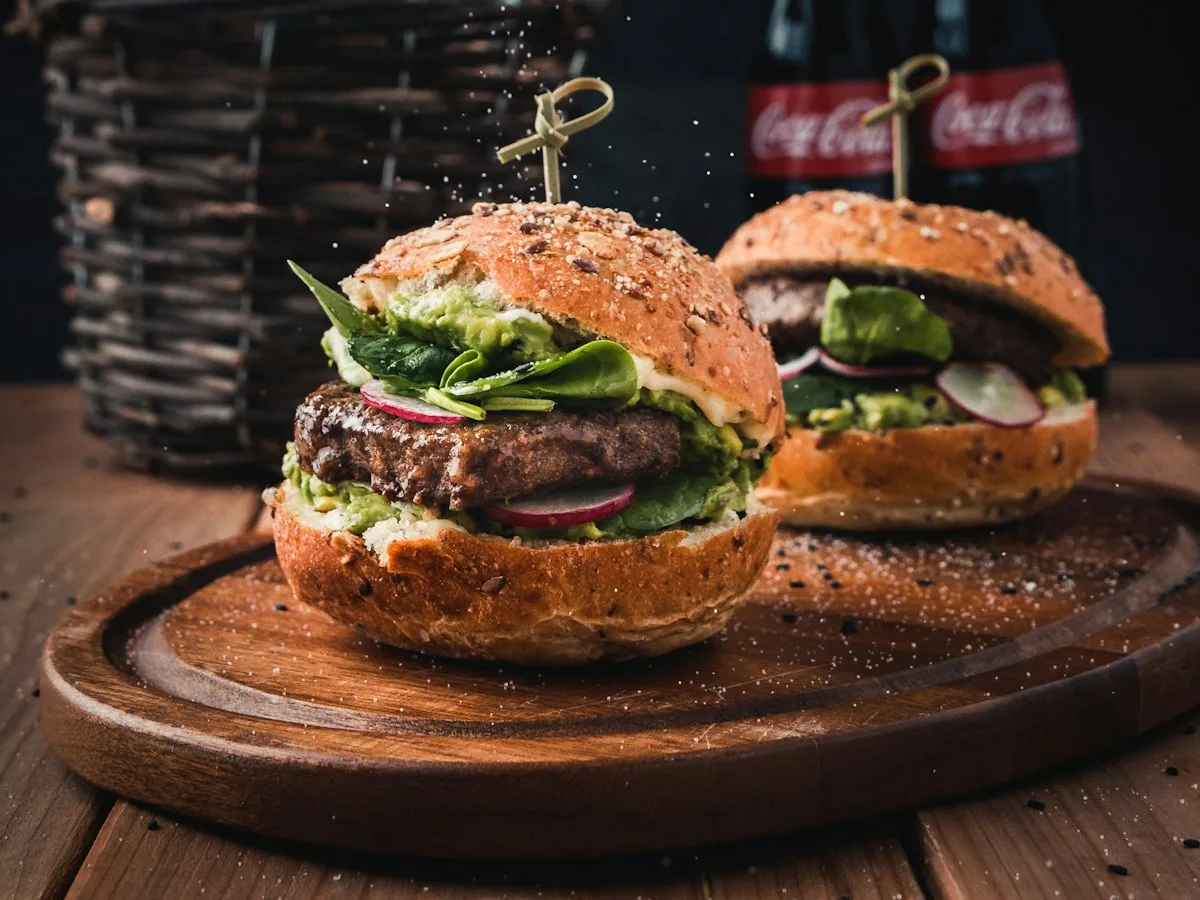
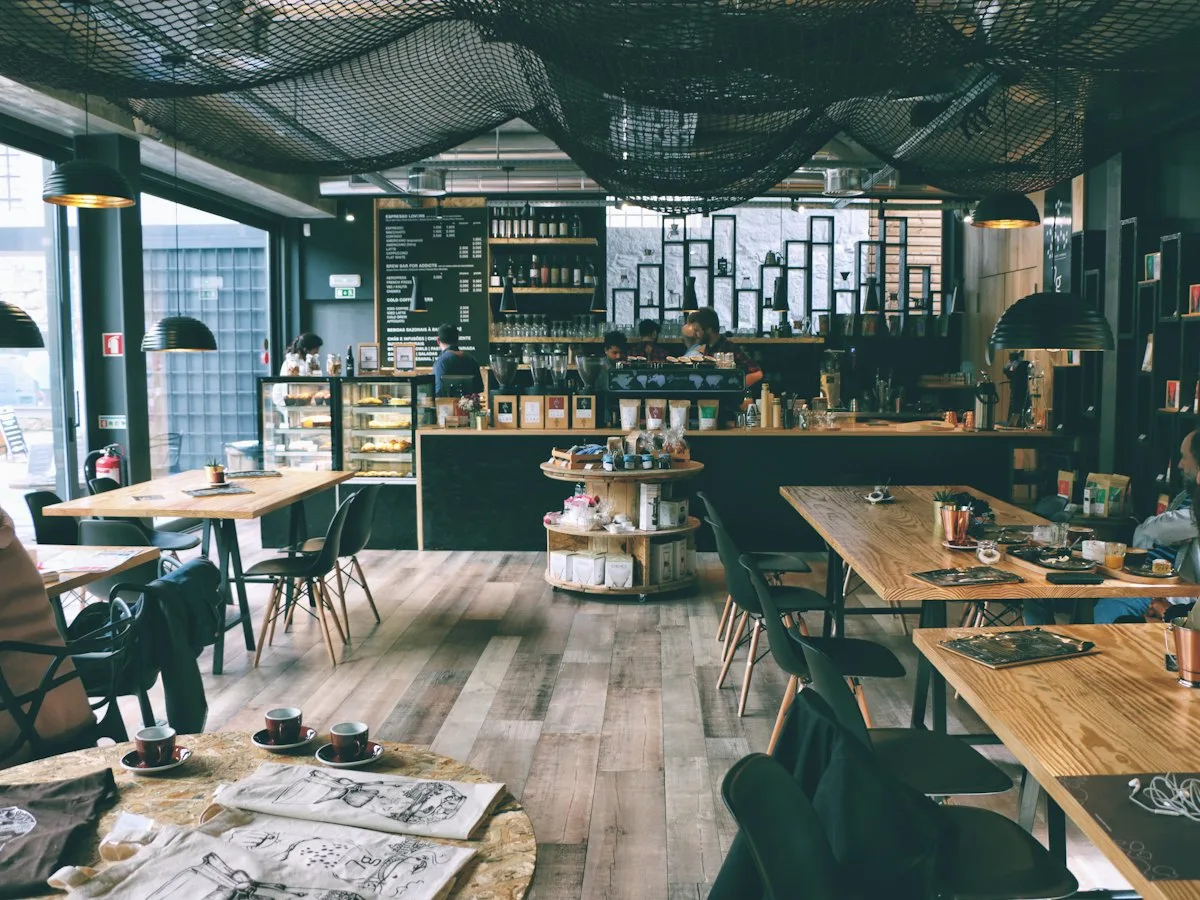
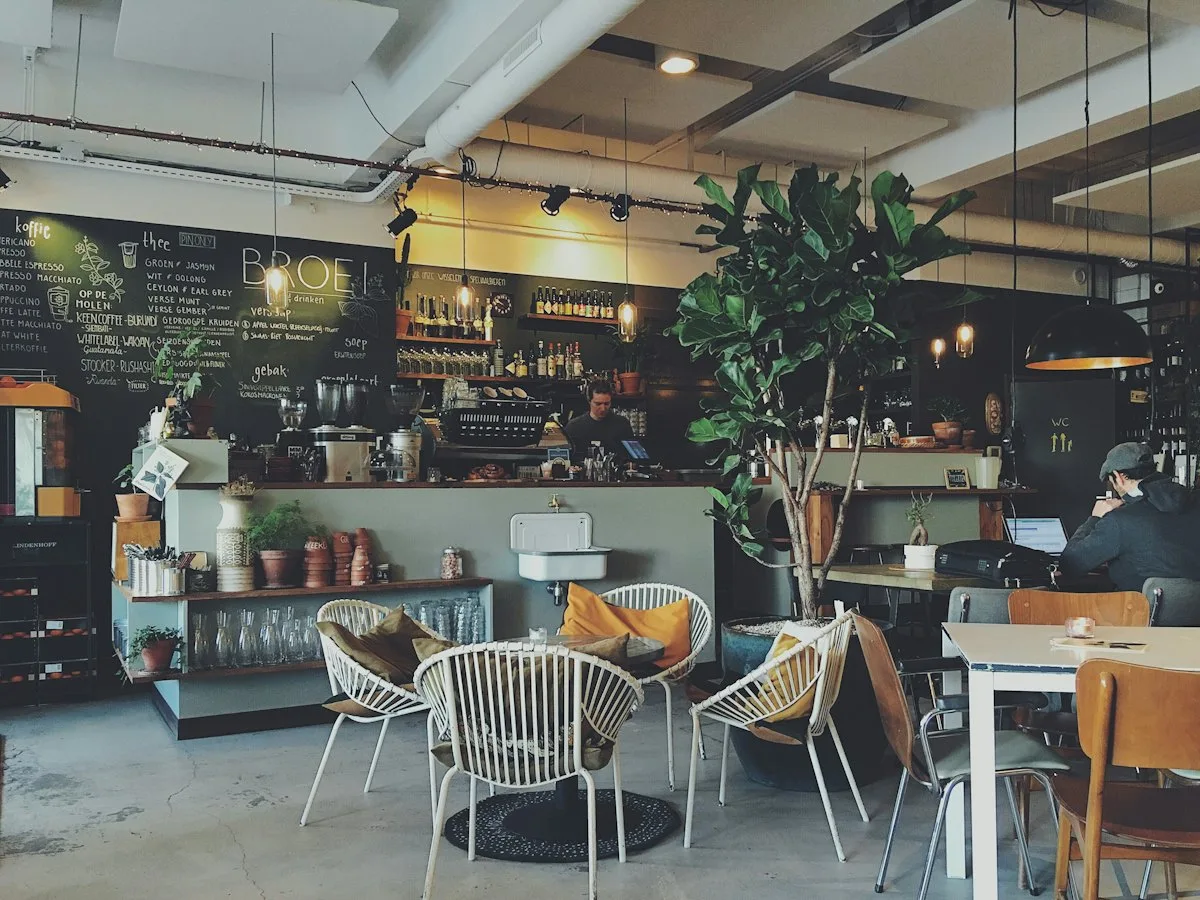
Take orders on your restaurant’s own website.
For 30 days you can try WP InPlate with your own menu, pickup times, delivery and kitchen display. If you need help getting started, get in touch.
No card required. Cancel anytime.