
WP InPlate for burger restaurants
Online ordering for burger restaurants, with a choice of toppings.
Set up a “Burger toppings” template once for the whole category. Customers choose a sauce, ingredients and a size, and can add fries or a drink to the order. The kitchen gets every detail together with the order.
No card required · Every module included · 0% commission
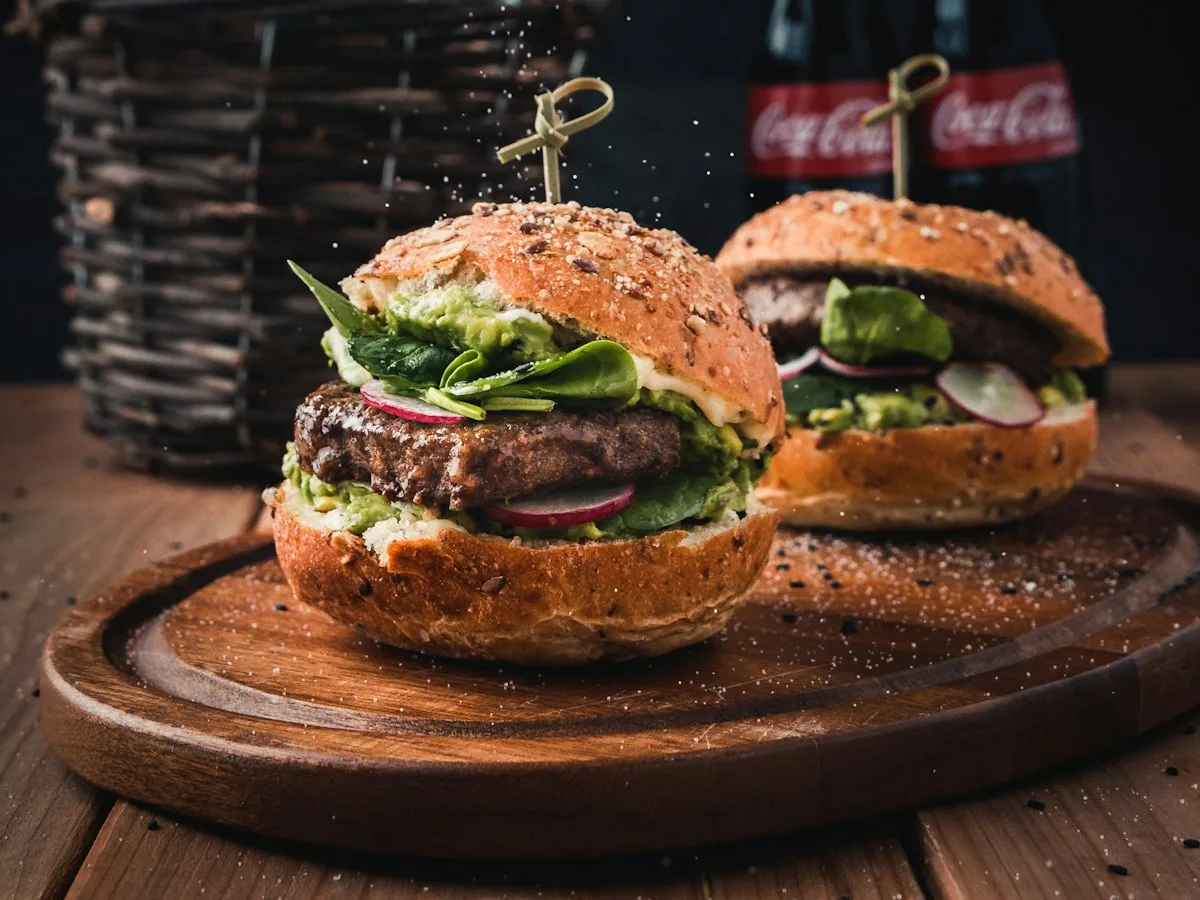
Challenges in your venue
Toppings and customer notes without copying them onto slips.
Customers choose a sauce, how well done, and toppings, or tick “no onion”. Every choice shows with the order in the kitchen. Nobody has to read them off handwritten notes.
Customer notes are easy to miss
At peak hours, a handwritten note like “no pickles, extra cheese” can be misread.
Toppings entered by hand
Without shared templates, every burger needs the same list of sauces set up separately.
No suggested extras
Customers order just a burger, although they could have added fries or a drink.
Commissions on peak-hour orders
When it’s busy, even a small commission on every order can add up to a noticeable cost.
How it looks in practice
A sample evening at a burger restaurant.
Once · You set up a shared list of toppings
You assign the “Burger toppings” template to the category. You can change the settings of a specific product separately.18:00 · The customer chooses a burger and toppings
The customer picks a sauce, toppings and a size. The system calculates the price using the WooCommerce tax settings.18:01 · Fries or a drink suggested
The customer sees a suggestion of fries or a drink and can add them to the cart.18:05 · The kitchen gets the details
The kitchen display shows every topping and note with each burger.18:25 · Pickup or your courier
The customer gets an email, and the courier sees the delivery address and the amount to collect, and can open navigation.
Useful features
What makes work in your venue easier.
The customer chooses a dish and toppings, and you handle pickup or delivery in one system. One license covers every module.
Add-ons and suggested items
Create shared add-on lists for dish categories and show suggested items before adding to the cart.
Online menu
A dish view with a photo, weight, labels and a choice of add-ons.
Kitchen display (KDS)
Add-ons and notes with every item, easy to read on a tablet.
Delivery zones
Draw delivery zones on a map and set a fee and a minimum order amount for each.
Courier panel
The courier sees the customer’s address, the amount to collect and a navigation link on their phone.
Daily special
Add a burger of the week and set when it appears on the menu and when the offer ends.
Cost comparison
How much do order commissions cost?
This is a sample calculation. Enter your monthly number of orders, the average cart value and the commission rate to estimate the cost of using a platform.
- Example platform commission range
- 15–30%
- WP InPlate commission per order
- 0%
- Monthly commission at 20%
- ≈ $1,120
- Example: 400 orders × $14 average order value. Check the result for your venue.
- Free trial, no card required
- 30 days
How to start
From setup to the first order.
The wizard guides you through setting up the system. To start, you only need to set three basic things.

Create an add-on template
Set up sauces, cheeses and bacon. Add-ons can be required or optional, free or paid. You add burger sizes, e.g. 100 and 200 g, with a size set with its own prices.
Add suggested items
With a burger, you can suggest fries and a drink. You assign these suggestions to a whole category or to a specific dish.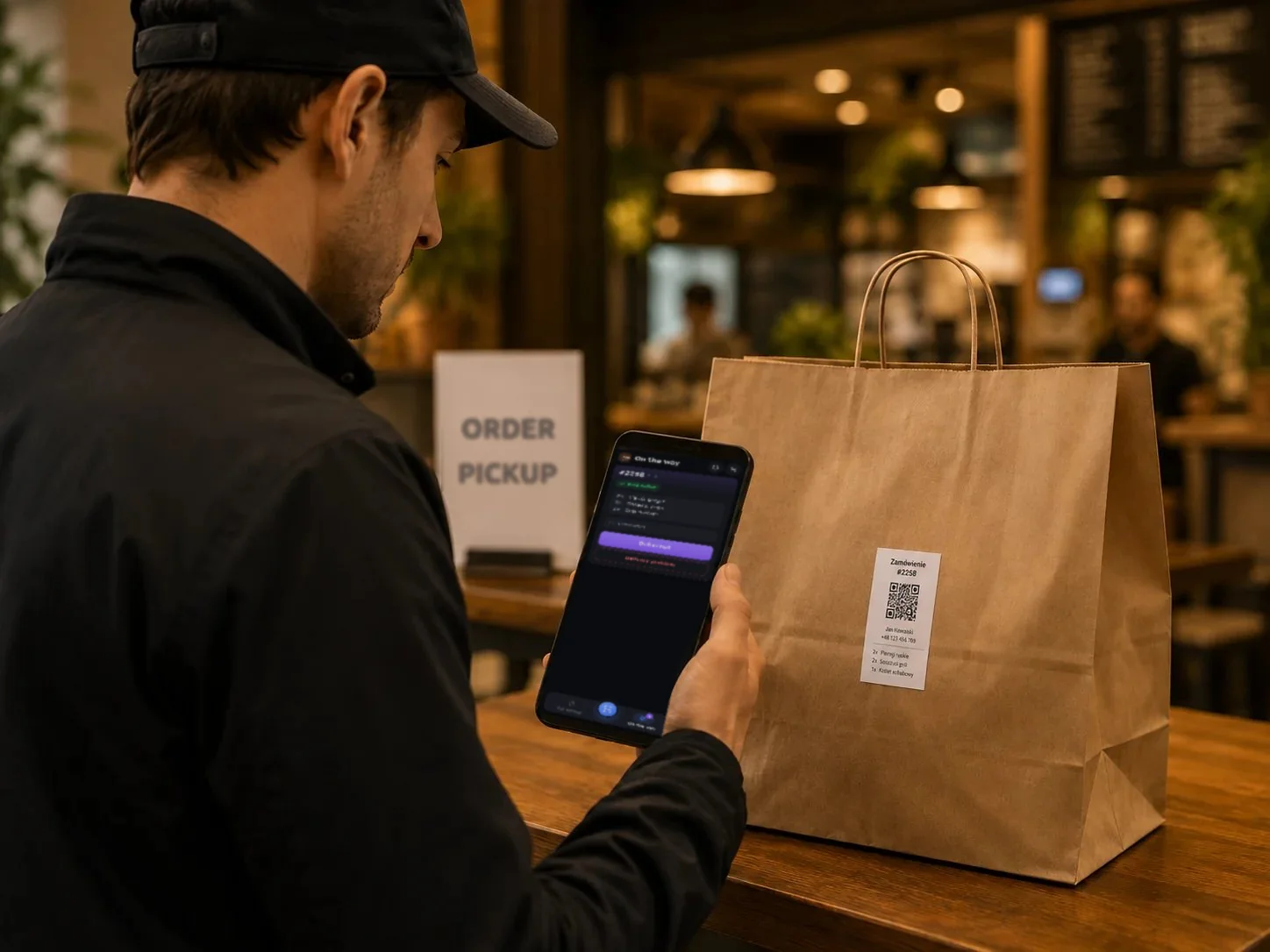
Turn on pickup and delivery
Set pickup windows and delivery zones, then place a test order.
Good to know
What WP InPlate won’t replace.
No import from platforms
WP InPlate doesn’t pull in orders from Pyszne.pl, Glovo or Bolt Food. It’s an extra, independent sales channel on your venue’s website.
Labels instead of automatic ticket printing
You print labels through the browser’s print dialog, not on a receipt printer.
It doesn’t replace your cash register
Fiscal receipts stay with your cash register.
FAQ
Frequently asked questions about online ordering.
Didn’t find your answer? Write to us. We’ll answer your questions about the product.
Other kinds of venues
How other venues use WP InPlate.


Take orders on your restaurant’s own website.
For 30 days you can try WP InPlate with your own menu, pickup times, delivery and kitchen display. If you need help getting started, get in touch.
No card required. Cancel anytime.