
WP InPlate for restaurants with dining rooms and patios
Table ordering for restaurants with dining rooms and patios.
Put QR codes on the tables in your dining room and patio. Guests order from their phone, and the kitchen gets the table number. The same system can also handle takeaway and delivery orders.
No card required · Every module included · 0% commission
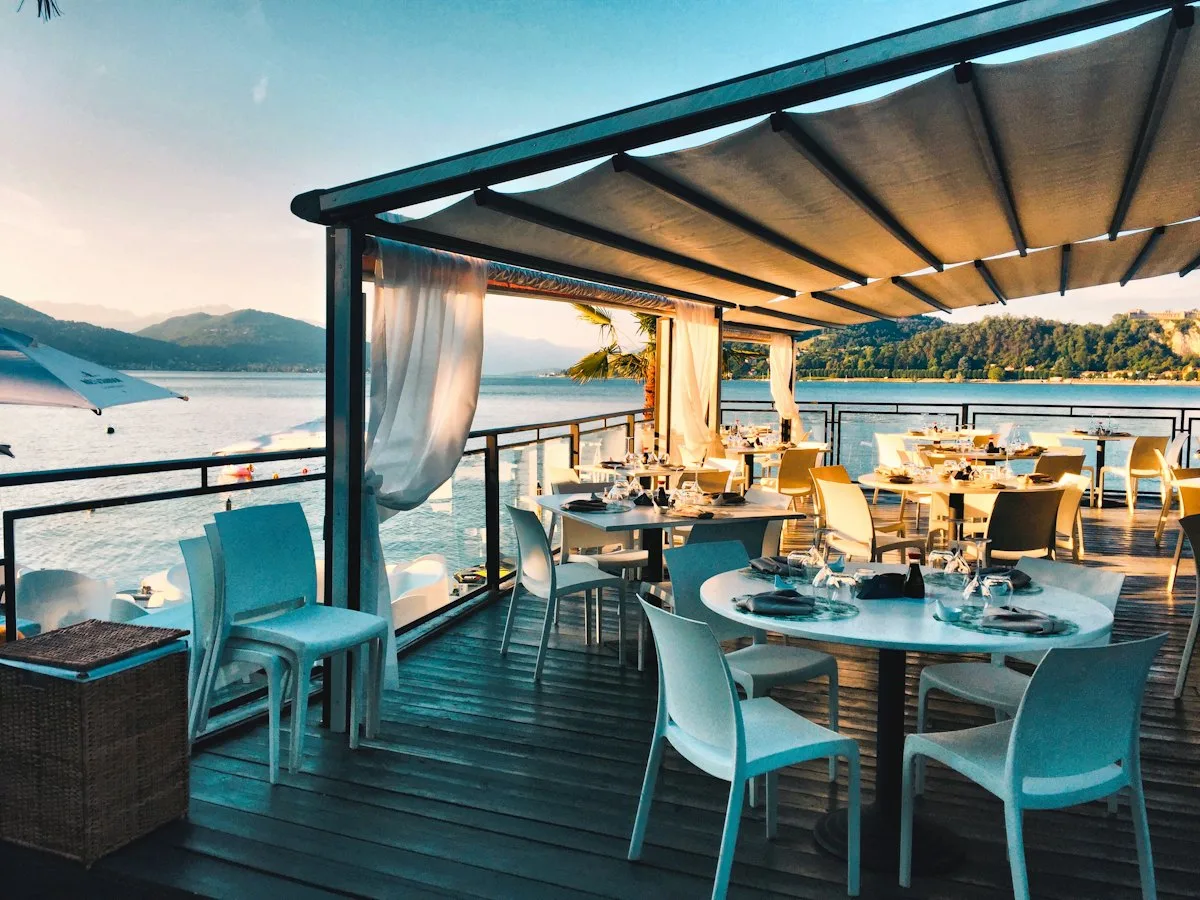
Challenges in your venue
Less time taking down orders, more time looking after guests.
When the dining room is full, servers can’t always get to every table right away. Guests can then order from their phone with a QR code, and staff can focus on serving food.
Waiting for the menu and a server
Guests wait for a chance to order, even though they’ve already chosen their dishes.
Table orders get lost in the kitchen
Notes with table numbers can get mixed up with takeaway orders.
Extra orders slip away
When a server is looking after guests in another part of the patio, it’s harder to order a dessert or another drink straight away.
Two separate worlds
Table orders and takeaway orders reach the same kitchen. Without a shared view, they’re harder to manage.
How it looks in practice
A table order step by step.
12:00 · Dining room and patio open
For QR tables, you set separate ordering hours, independent of takeaway sales.13:15 · The customer scans the code
After scanning the code, the phone opens the menu for table 14 in the “Patio” area.13:17 · They order and pay
Guests can pay online or choose “pay at the table”. They order a dessert or a drink the same way.13:18 · The kitchen sees the table
In the KDS, the order appears with the table number. You can find it with the “QR tables” filter.13:30 · Servers just serve
Servers can focus on serving dishes and looking after the dining room instead of just taking down orders.
Useful features
What makes work in your venue easier.
Table, pickup and delivery orders all go to the same kitchen display. One license covers every module.
QR tables
You generate a QR code for each table. You can also create dining areas and invalidate old codes.
Kitchen display (KDS)
Table orders appear in the KDS with the table number. You can show them with the “QR tables” filter.
Schedule and ordering hours
Table orders and takeaway orders can be taken at different hours.
Payments
Online payment or payment at the table.
Pickup at a chosen time
Guests can order takeaway food for pickup at a chosen time.
TV screens
Show the current menu on a screen at the entrance or the bar.
Cost comparison
How much do order commissions cost?
This is a sample calculation. Enter your monthly number of orders, the average cart value and the commission rate to estimate the cost of using a platform.
- Example platform commission range
- 15–30%
- WP InPlate commission per order
- 0%
- Monthly commission on takeaway orders at 20%
- ≈ $640
- Example: 200 orders × $16 on average. Your numbers will be different.
- Free trial, no card required
- 30 days
How to start
From setup to the first order.
The wizard guides you through setting up the system. To start, you only need to set three basic things.
Add areas and tables
“Main dining room”, “Patio”, table numbers.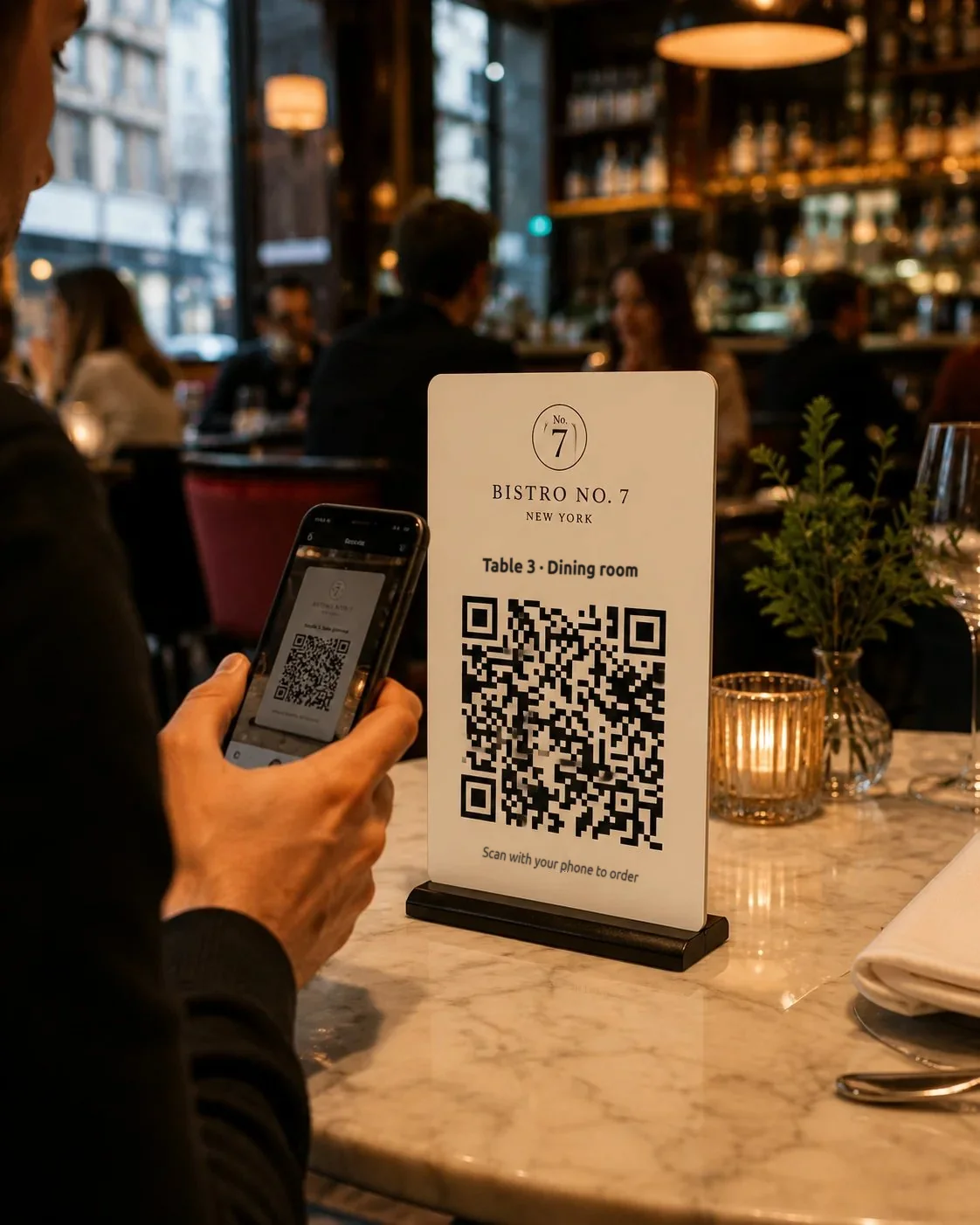
Print the QR codes
Download a PDF with QR codes for all your tables and print it on a regular printer.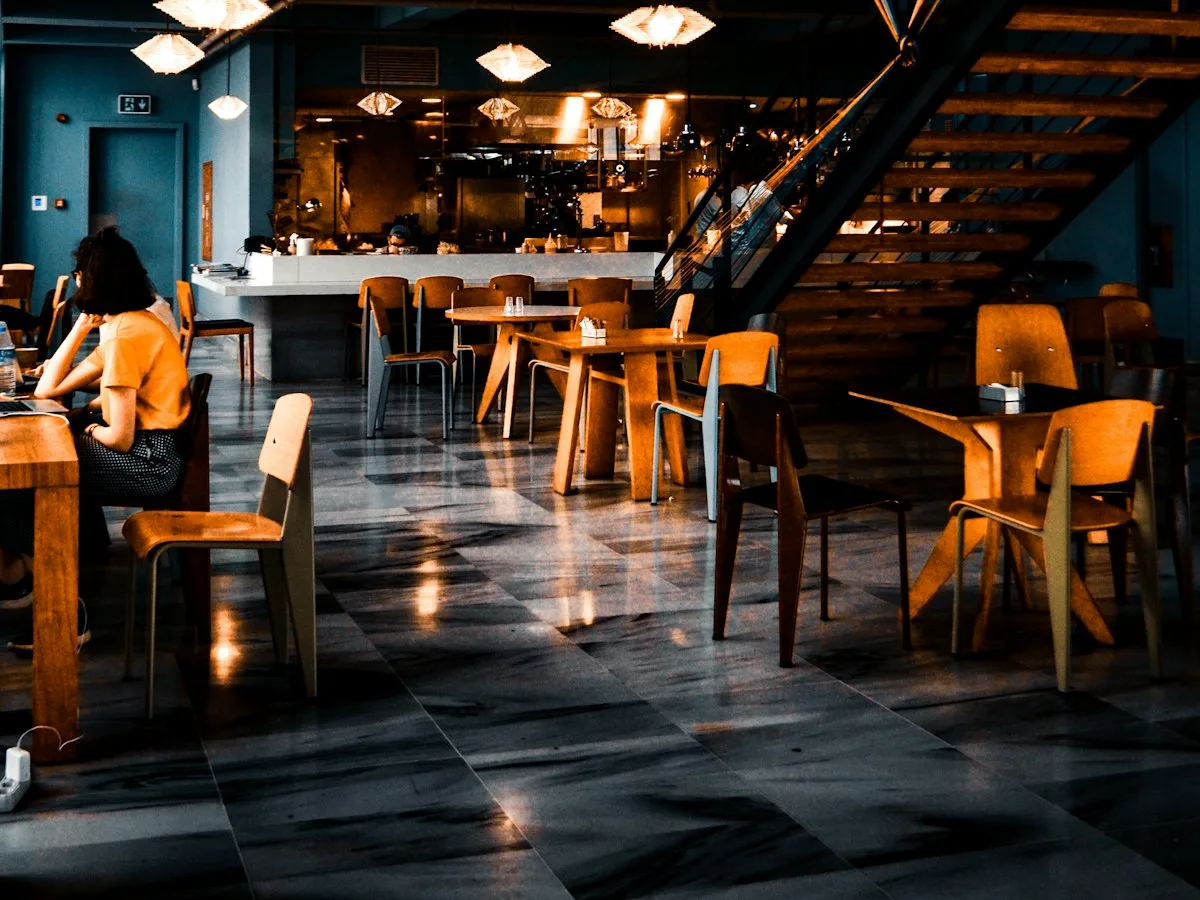
Set the dining room hours
Tables take orders only while the dining room is open.
Good to know
What WP InPlate won’t replace.
It’s not a waiter system
WP InPlate doesn’t keep combined table bills or split payments. It doesn’t replace a POS system either.
It doesn’t print receipts
You issue fiscal receipts from your cash register.
No self-service kiosk
The self-service kiosk feature is in the works and isn’t part of the offer yet.
FAQ
Frequently asked questions about online ordering.
Didn’t find your answer? Write to us. We’ll answer your questions about the product.
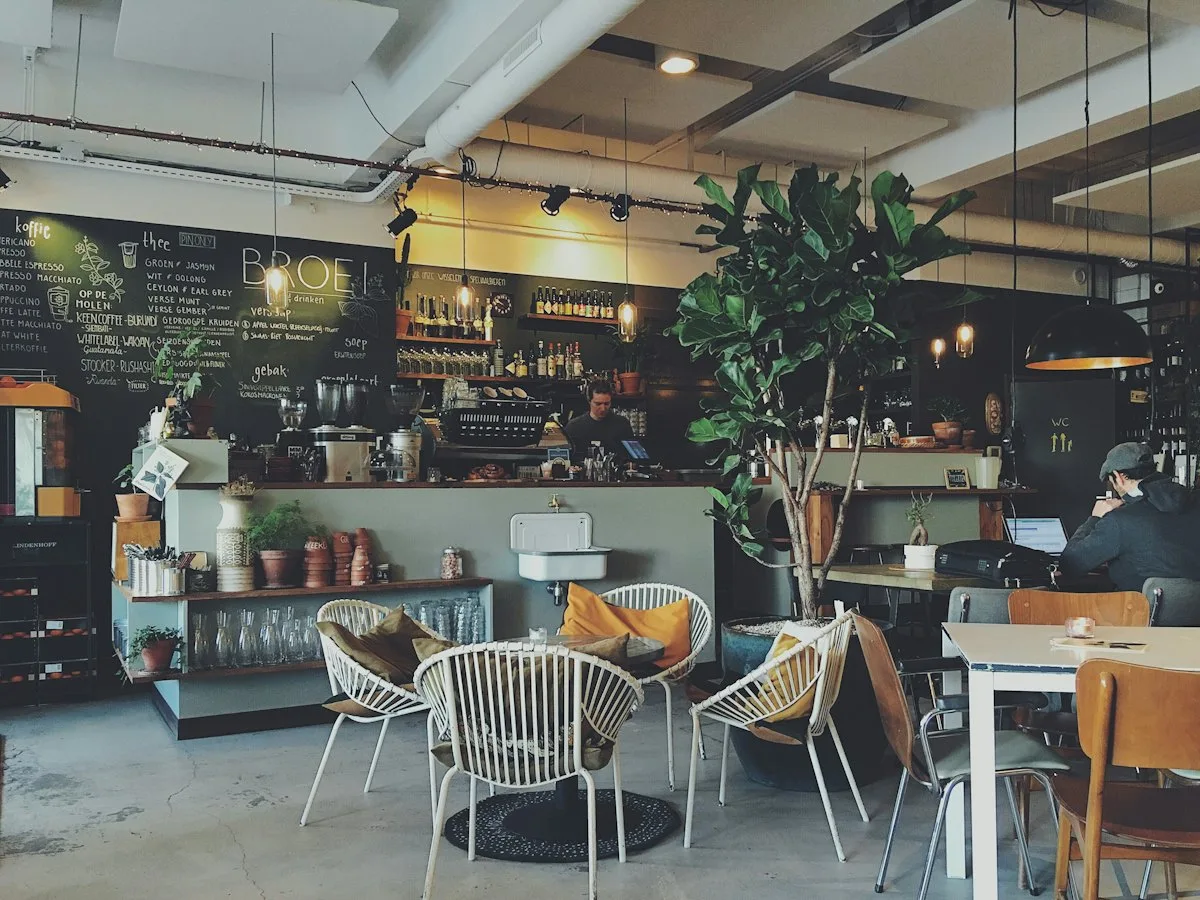
Take orders on your restaurant’s own website.
For 30 days you can try WP InPlate with your own menu, pickup times, delivery and kitchen display. If you need help getting started, get in touch.
No card required. Cancel anytime.