
WP InPlate for lunch bars
Online orders for daily specials and lunch sets, e.g. until 11:00.
Add a daily special or a lunch set from a tablet. The offer appears on your online menu and on the TV screen. Set the ordering deadline, e.g. 11:00, and the available pickup times.
No card required · Every module included · 0% commission
Challenges in your venue
Today’s menu on your website and on the screen in your venue.
Rewriting daily specials in several places every day takes time. In WP InPlate you change the offer once, and the current dishes can appear both on your website and on the screen by the till.
Rewriting the menu every day
A note at the entrance, a social media post and a board by the till. When you update each one separately, they easily stop matching.
Late orders
When a company orders 15 lunches at 11:50, the kitchen may not manage to prepare them for the chosen time.
A crowd at the till at noon
At 12:00, lots of people come for lunch at the same time. Orders placed in advance can ease the crowd at the counter.
Yesterday’s soup on the menu
Someone orders a dish that isn’t available today because nobody took it off the website.
How it looks in practice
A sample day at a lunch bar.
8:30 · The manager adds the set of the day
You add a lunch set, a soup of the day, the price and the availability period in the “InPlate dishes” panel.8:35 · Today’s menu is already visible
Customers see the current offer on the website and on the screen by the till. There’s no need to enter the same dishes separately.11:00 · Lunch ordering closes
After 11:00, customers see the next available times. The kitchen has a tidy list of the orders taken earlier.12:00 · Pickup at the chosen time
You prepare the meals for the chosen time and can mark them with order labels. Staff don’t have to take extra orders over the phone.The next day · The offer no longer applies
Once the offer ends, the dish can no longer be ordered.
Useful features
What makes work in your venue easier.
The current offer, ordering until a chosen time and the menu on the screen by the till all work in one system. One license covers every module.
Daily special
Create dish types, e.g. set of the day, soup of the day or lunch. You can set an availability period for each item.
Schedule and ordering hours
Set the time by which orders can be placed, e.g. 11:00.
TV screens
A screen by the till with today’s menu and prices, refreshed automatically.
Manager panel
You add the daily special from a tablet in the kitchen, without logging in to WordPress.
Pickup at a chosen time
Pickup at a chosen time and a “Ready for pickup” email.
Kitchen display (KDS)
Every order appears on the kitchen display.
Cost comparison
How much do order commissions cost?
This is a sample calculation. Enter your monthly number of orders, the average cart value and the commission rate to estimate the cost of using a platform.
- Example platform commission range
- 15–30%
- WP InPlate commission per order
- 0%
- Monthly commission at 20%
- ≈ $640
- Example: 400 orders × $8 average order value. Check the result for your venue.
- Free trial, no card required
- 30 days
How to start
From setup to the first order.
The wizard guides you through setting up the system. To start, you only need to set three basic things.
Set up dish types
In the wizard: “Set of the day”, “Soup of the day”, “Lunch”. The names are up to you.
Set the ordering deadline
Take orders until 11:00, with pickup from 11:30 every 15 minutes.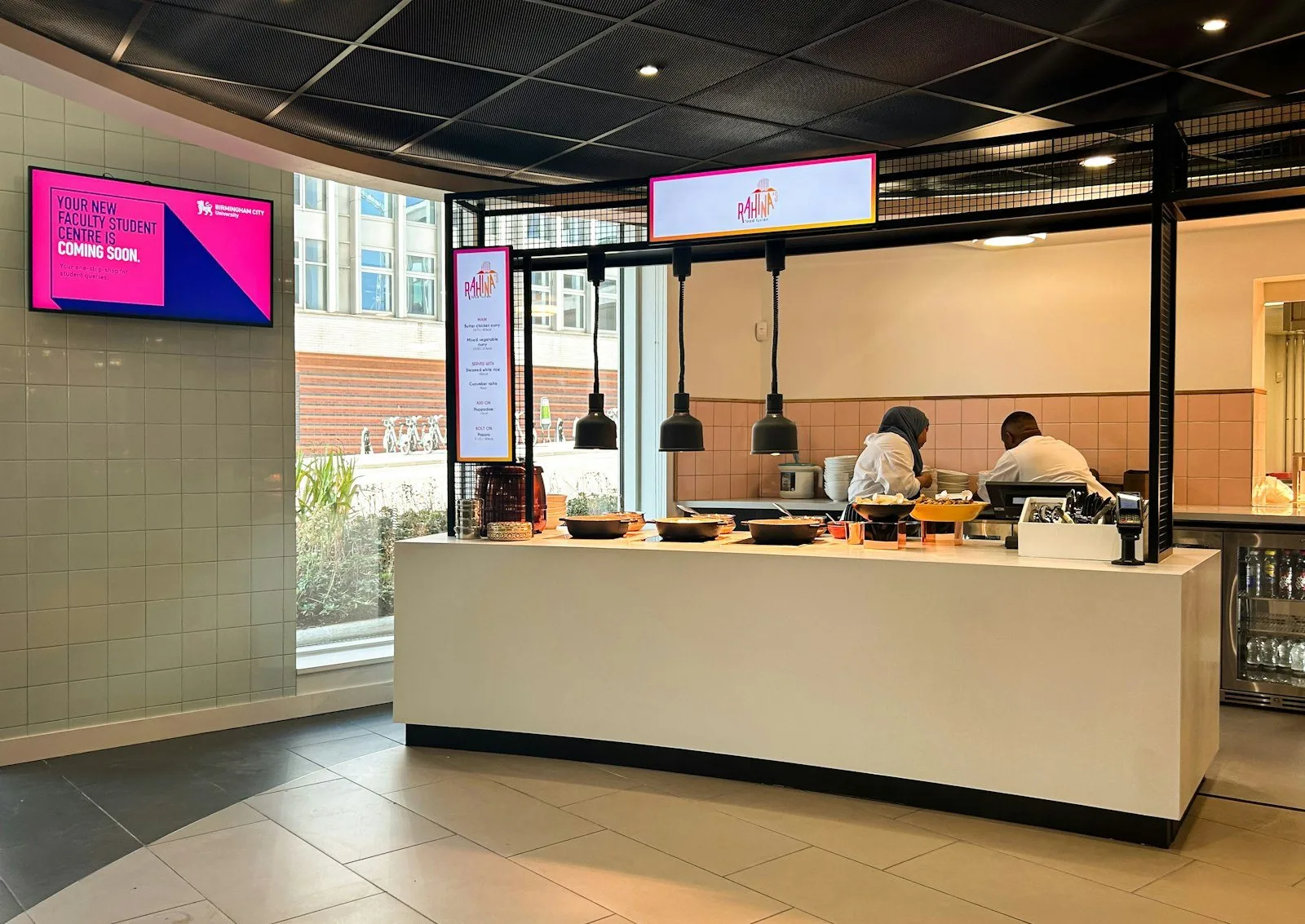
Connect a screen by the till
A TV with a browser or an HDMI box. The screen shows the same menu as your website.
Good to know
What WP InPlate won’t replace.
Portion limits through WooCommerce
The number of portions is controlled by the standard WooCommerce stock settings, not a separate system.
No lunch subscriptions
WP InPlate doesn’t support subscriptions or lunch passes.
It doesn’t print receipts
You handle fiscal documents in your existing till system.
FAQ
Frequently asked questions about online ordering.
Didn’t find your answer? Write to us. We’ll answer your questions about the product.
Other kinds of venues
How other venues use WP InPlate.

Take orders on your restaurant’s own website.
For 30 days you can try WP InPlate with your own menu, pickup times, delivery and kitchen display. If you need help getting started, get in touch.
No card required. Cancel anytime.