
WP InPlate for bistros
Online ordering for bistros, with pickup at a chosen time.
Customers order on your bistro’s website and choose a pickup time, e.g. 12:30. The kitchen sees the order on a tablet, and when it’s marked “Ready”, the customer gets an email. WP InPlate takes no commission on orders.
No card required · Every module included · 0% commission

Challenges in your venue
Fewer phone calls at your busiest hours.
In a small bistro, the same people often cook, serve and take orders. When customers order through the website, staff don’t have to answer yet another call or copy the details onto a slip of paper.
The phone while you’re serving
Taking an order over the phone takes time you don’t have while serving lunch.
Mistakes in orders
A “No onion” note jotted down in a rush can be missed. The form saves the customer’s choices with the order.
Commissions on regulars’ orders too
When a regular customer orders through a platform, the commission depends on its price list. For sample calculations you can assume a rate of 15–30%.
A queue at the counter
Takeaway customers wait at the counter because they don’t know when their food will be ready.
How it looks in practice
A sample day at a bistro with WP InPlate.
10:00 · You open ordering
Pickup time selection turns on according to your schedule. The daily special is already on the menu.11:40 · The first lunch orders
The customer chooses one of the available times. The system takes the preparation time into account, so it won’t let anyone order too early.12:15 · The kitchen prepares the orders
New orders appear on the tablet with a sound alert. A staff member changes the status to “In preparation”, and then to “Ready”.12:30 · The customer gets a message
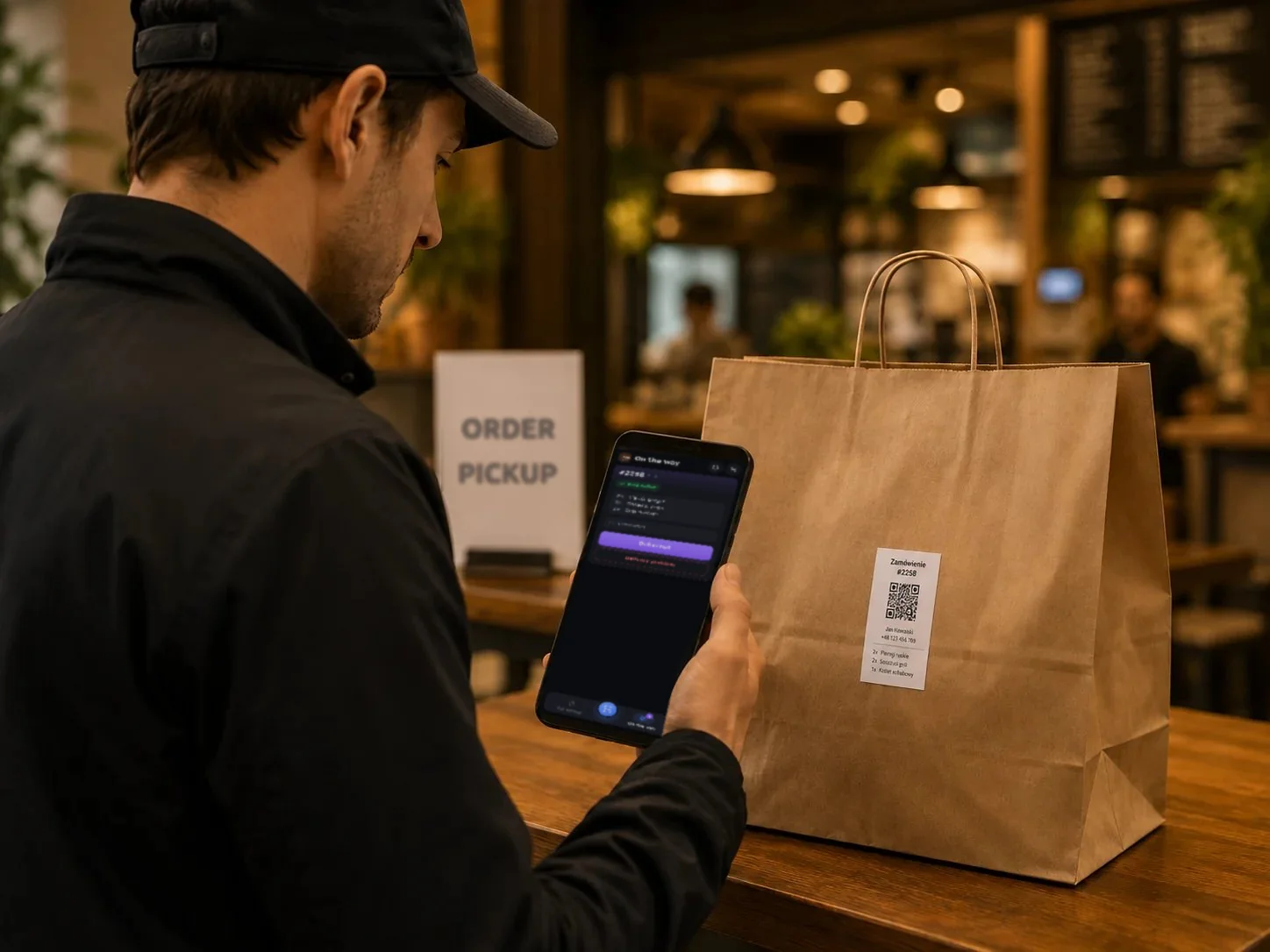
The customer gets a “Ready for pickup” email and can come for the food. You can mark the bag with an order label.15:00 · Shift summary
The panel shows the number of orders, revenue and cancellations. You can also decide whether to take orders for the next day.
Useful features
What makes work in your venue easier.
Start with pickup orders. You can launch delivery, table ordering and the menu on TV screens later. One license covers everything.
Pickup at a chosen time
Customers choose a pickup time and get an email when their order is ready.
Online menu
A menu on your website with photos, add-ons and a cart.
Daily special
You add a daily special and set its availability. Once the offer ends, it can no longer be ordered.
Kitchen display (KDS)
New orders appear on the tablet with a sound alert and their status.
Manager panel
When a dish runs out, you can take it off the menu right from the tablet.
Payments
Online payment through a WooCommerce gateway or cash on pickup.
Cost comparison
How much do order commissions cost?
This is a sample calculation. Enter your monthly number of orders, the average cart value and the commission rate to estimate the cost of using a platform.
- Example platform commission range
- 15–30%
- WP InPlate commission per order
- 0%
- Monthly commission at 20%
- ≈ $660
- Example: 300 orders × $11 average order value. Your venue’s result may differ.
- Free trial, no card required
- 30 days
How to start
From setup to the first order.
The wizard guides you through setting up the system. To start, you only need to set three basic things.
Turn on pickup
In the wizard, turn on pickup and set the hours and the spacing between available times.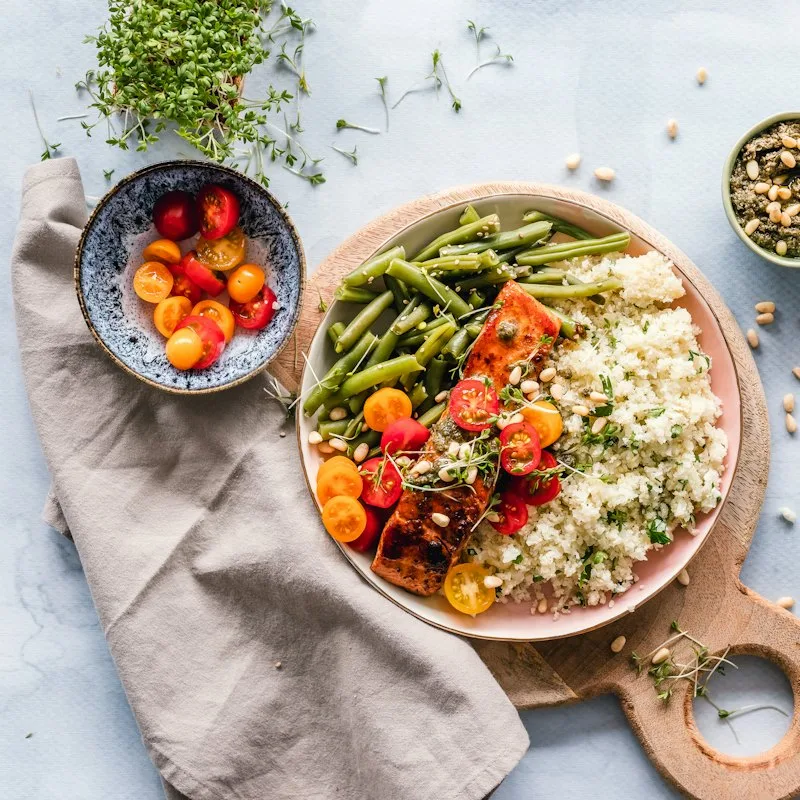
Add the menu and a daily special
Create categories and products in WooCommerce. Also add a “Daily special” item.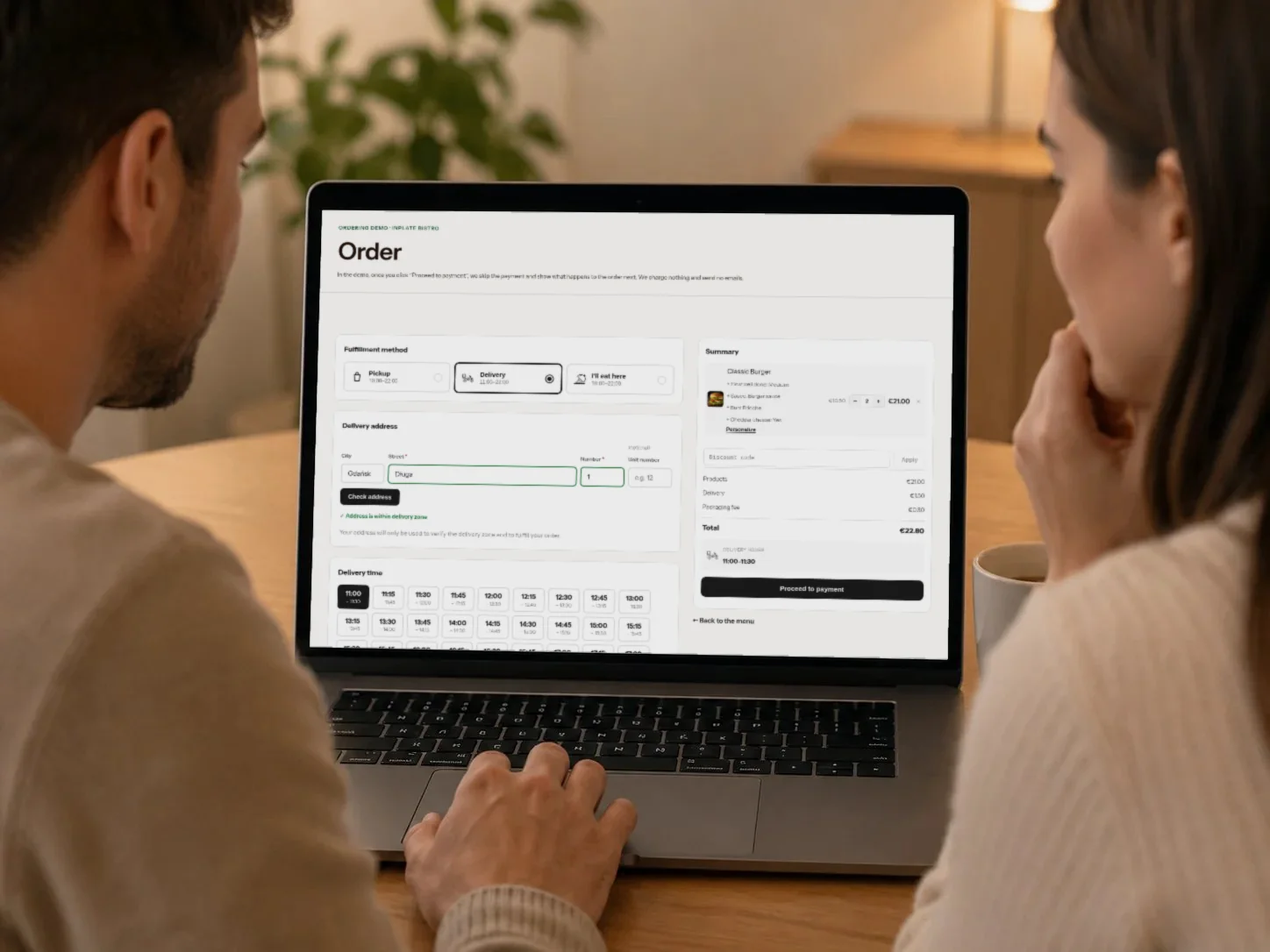
Place a test order
Place an order on your website and see how it appears on the kitchen display.
Good to know
What WP InPlate won’t replace.
It doesn’t replace your cash register
You print receipts as before. WP InPlate takes orders and guides them through the kitchen.
It doesn’t replace winning customers
Your own website lets you take orders. You still need to make sure customers find it, e.g. through search or your Google Business Profile.
It needs a WordPress website
WP InPlate requires WordPress and WooCommerce. If you already have a WordPress website, you can add WooCommerce for free.
FAQ
Frequently asked questions about online ordering.
Didn’t find your answer? Write to us. We’ll answer your questions about the product.
Other kinds of venues
How other venues use WP InPlate.
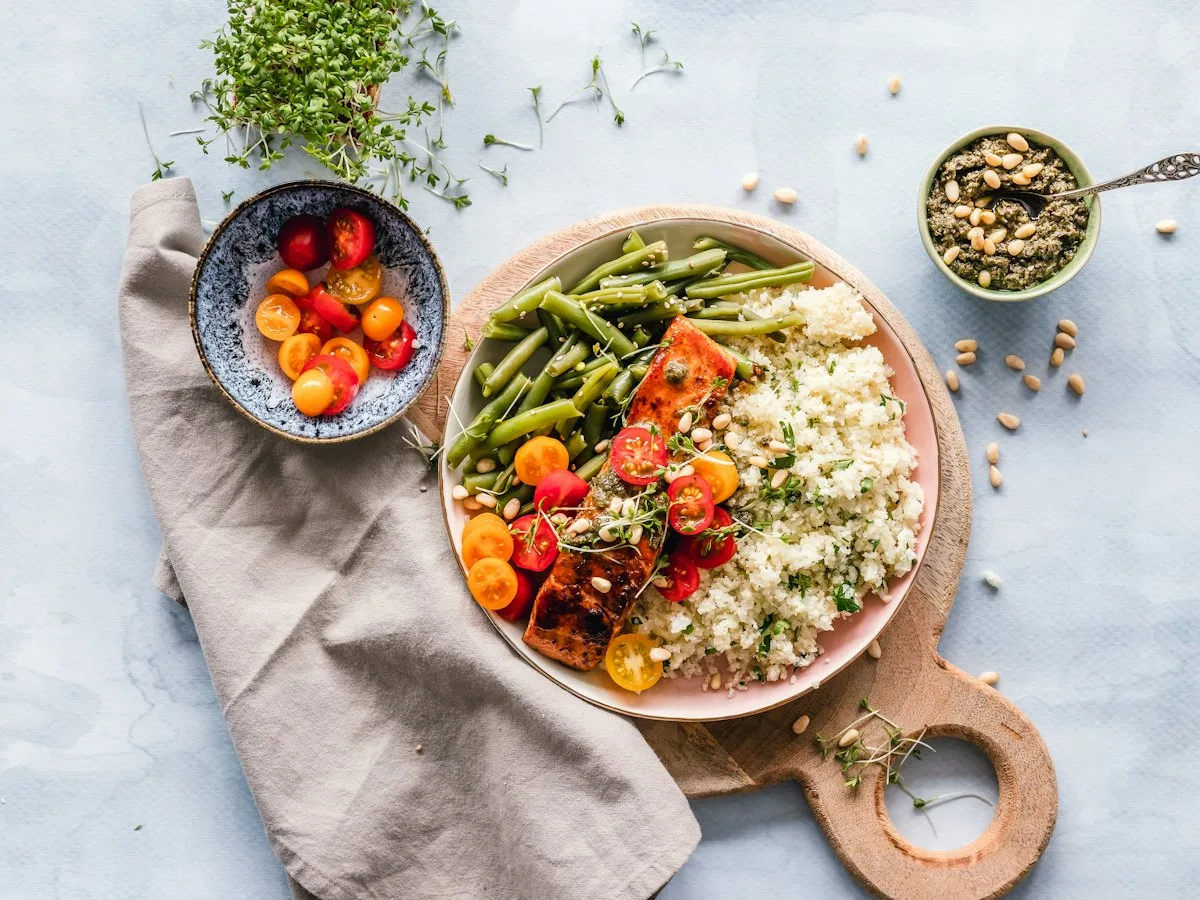


Take orders on your restaurant’s own website.
For 30 days you can try WP InPlate with your own menu, pickup times, delivery and kitchen display. If you need help getting started, get in touch.
No card required. Cancel anytime.