
WP InPlate for home kitchens and catering
Online orders for the next day for home kitchens and catering.
Take orders until a chosen time, e.g. until 20:00 for the next day. A menu on your own website, set delivery zones and a list of orders help you plan cooking and delivering meals.
No card required · Every module included · 0% commission
Challenges in your venue
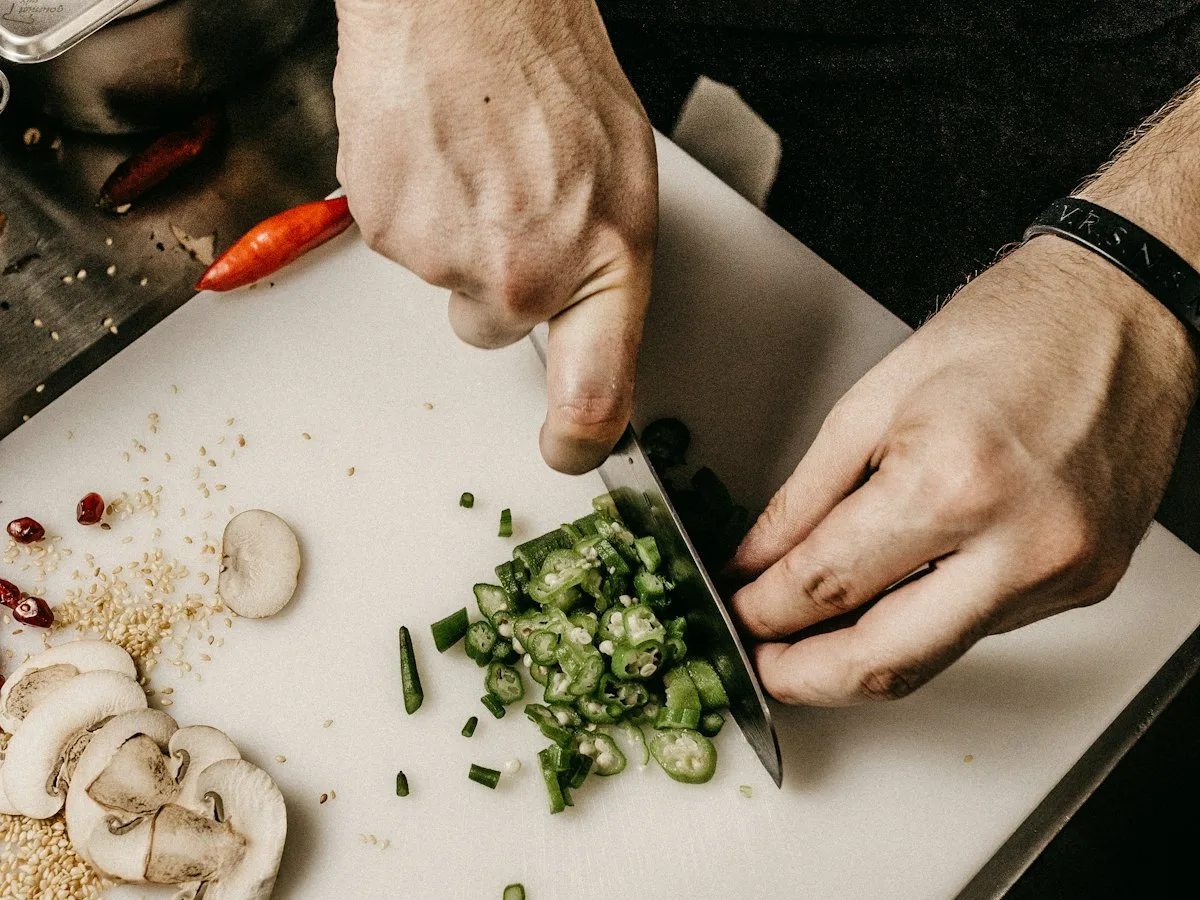
Take orders on your own website, even without a dining room.
If you cook only to order, you need clear deadlines and a list of dishes to make. WP InPlate lets you take orders on your website, even if your business has no dining room for guests.
Orders through messaging apps
Orders collected in messages and over the phone are harder to organize, and it’s easier to miss something.
You don’t know how much to cook
When customers order until the last minute, it’s harder to plan shopping and meal prep.
Delivery all over town
Delivering a small order to the other side of town can turn out not to pay off.
Commission on a low margin
With a small margin, a platform commission of e.g. 20% can eat up a large part of your profit.
How it looks in practice
How to plan orders in advance.
Today until 20:00 · Orders for tomorrow
You can let customers order for the next day even after you stop taking orders for today.20:00 · Ordering closes
Once ordering for the day closes, you open the KDS and check the full list of dishes to prepare.9:00 · Cooking
The kitchen display shows every order with the add-ons and customer notes. Staff update their statuses.11:30 · Delivery in zones
Minimum order amounts in each zone help you avoid unprofitable deliveries.12:30 · Delivered
The courier updates delivery statuses on their phone, and customers get email notifications.
Useful features
What makes work in your venue easier.
Orders in advance, separate times and your own deliveries. One license covers every module.
Schedule and ordering hours
Set the time until which you take orders and decide whether customers can order for the next day.
Delivery zones
Set minimum amounts for each delivery zone to keep delivery costs under control more easily.
Courier panel
The courier has orders ready for delivery, addresses, amounts to collect and navigation on their phone.
Daily special
Set how long the menu of the day or week is available. Once it ends, the items can no longer be ordered.
Kitchen display (KDS)
Browse the orders for a chosen day on a tablet.
Payments
Customers pay online when ordering or in cash on delivery.
Cost comparison
How much do order commissions cost?
This is a sample calculation. Enter your monthly number of orders, the average cart value and the commission rate to estimate the cost of using a platform.
- Example platform commission range
- 15–30%
- WP InPlate commission per order
- 0%
- Monthly commission at 20%
- ≈ $600
- Example: 200 orders × $15 on average. Your numbers will be different.
- Free trial, no card required
- 30 days
How to start
From setup to the first order.
The wizard guides you through setting up the system. To start, you only need to set three basic things.
Set the closing time
E.g. orders until 20:00 for the next day.
Draw zones with minimums
You can set a lower minimum order amount for the nearer zone and a higher one for the farther zone.
Add a weekly menu
Add dishes with a set availability period. Once it ends, the dishes can’t be ordered.
Good to know
What WP InPlate won’t replace.
No subscriptions or diet plans
WP InPlate doesn’t offer meal subscriptions or diet catering plans.
One location
One WP InPlate license and setup cover one website and one kitchen.
No fiscalization
You issue receipts and invoices as before.
FAQ
Frequently asked questions about online ordering.
Didn’t find your answer? Write to us. We’ll answer your questions about the product.
Other kinds of venues
How other venues use WP InPlate.

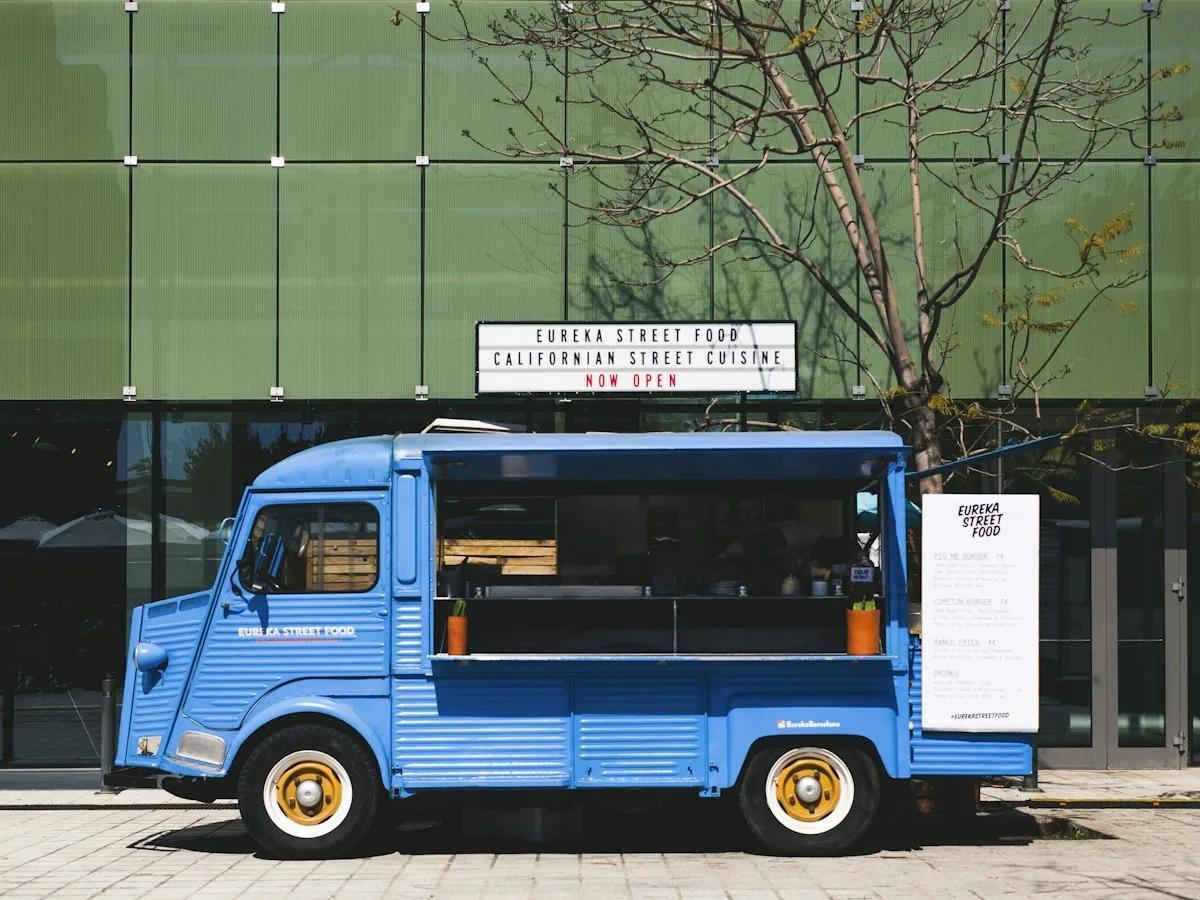
Take orders on your restaurant’s own website.
For 30 days you can try WP InPlate with your own menu, pickup times, delivery and kitchen display. If you need help getting started, get in touch.
No card required. Cancel anytime.