
WP InPlate for pizzerias
Online ordering for pizzerias, with pickup and delivery.
Customers choose a size and toppings and give their address and a time. The system checks the delivery zone, and the order details appear on the tablet by the oven. You pay no commission on these orders.
No card required · Every module included · 0% commission

Challenges in your venue
Pizza orders on your own website, with no commission to WP InPlate.
In the evening, lots of customers order pizza for delivery. Your own website lets you take these orders without any commission charged by WP InPlate. For platforms acting as middlemen, you pay according to their price lists.
Commission on large orders
With a bigger order, e.g. three pizzas and drinks, a percentage-based commission grows too.
An address out of range
A phone order from a far-off part of town can cost more than it earns.
Sizes and toppings over the phone
In a rush, it’s easy to mix up notes like “large, half without mushrooms, extra cheese”.
A driver without the details
An address and an amount to collect written on a loose slip of paper can easily get lost during delivery.
How it looks in practice
A sample evening at a pizzeria.
16:00 · The delivery window opens
You can set different hours for delivery and pickup. Ordering can also run past midnight, e.g. until 01:00.19:10 · The customer checks the address
The customer checks whether you deliver to their address. The system shows the delivery fee and the required minimum, or suggests pickup.19:12 · Size and toppings
The customer chooses the pizza size, and the price and topping prices change with it. They can also add a drink. The system calculates the order price on the server.19:30 · Oven and pass
On the tablet by the oven you see the New, In preparation and Ready statuses. You can mark the box with a QR-code label.19:45 · The courier is on the way
The courier picks up the order from the panel on their phone. They see the address and the amount to collect, and the customer gets an “On the way” email.
Useful features
What makes work in your venue easier.
Pizza sizes, toppings, pickup and delivery in one system. One license covers every module.
Delivery zones
Draw delivery zones as circles or any area on the map and set a fee and a minimum order amount for each.
Courier panel
The courier has a list of orders to deliver, the amounts to collect and a way to report a failed delivery.
Sizes and add-ons
Pizza sizes with their own prices, add-ons priced by size and a box charged for takeaway only.
Schedule and ordering hours
You can take orders past midnight too, and set the days your pizzeria is closed.
Kitchen display (KDS)
New orders appear on the tablet by the oven with a sound alert.
Payments
Payment through a WooCommerce gateway or cash on delivery.
Cost comparison
How much do order commissions cost?
This is a sample calculation. Enter your monthly number of orders, the average cart value and the commission rate to estimate the cost of using a platform.
- Example platform commission range
- 15–30%
- WP InPlate commission per order
- 0%
- Monthly commission at 20%
- ≈ $1,500
- Example: 500 orders × $15 on average. Your numbers will be different.
- Free trial, no card required
- 30 days
How to start
From setup to the first order.
The wizard guides you through setting up the system. To start, you only need to set three basic things.

Draw delivery zones
Mark zones on the map and give each one its own fee and minimum order amount.
Set up sizes and toppings
Create a size set, e.g. 32 and 40 cm, and assign it to the Pizza category. You enter the prices of all pizzas in one table and add toppings with a template.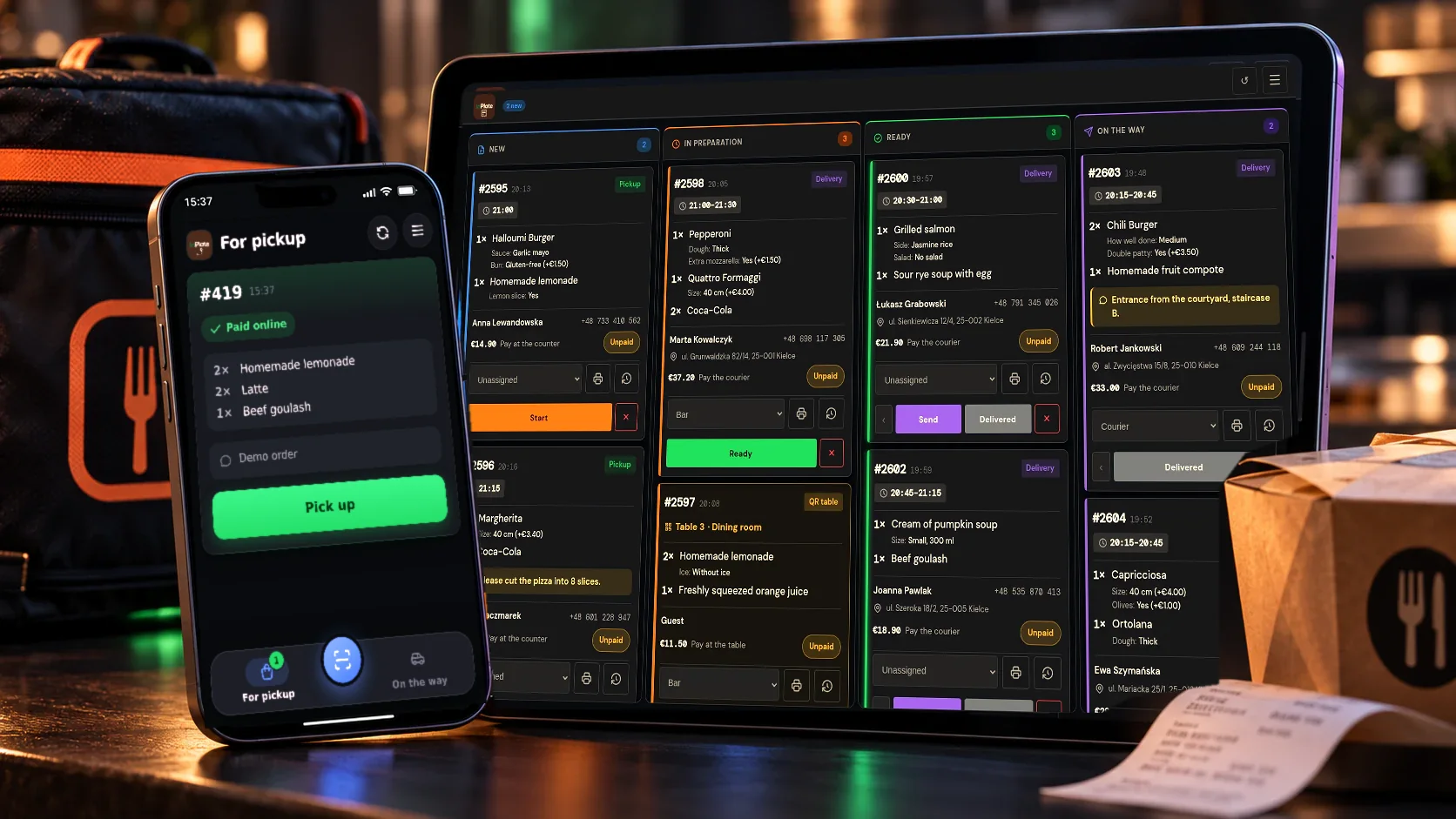
Give your courier the app
The courier can add the PWA panel to their phone’s home screen without downloading it from an app store.
Good to know
What WP InPlate won’t replace.
No import from platforms
You still handle orders from Pyszne.pl or Glovo separately.
No courier tracking on a map for customers
The customer gets an “On the way” email, and the courier can open navigation to the delivery address.
No receipt printer needed
You print order labels in the browser. You can match their size to the printer you use.
FAQ
Frequently asked questions about online ordering.
Didn’t find your answer? Write to us. We’ll answer your questions about the product.
Other kinds of venues
How other venues use WP InPlate.
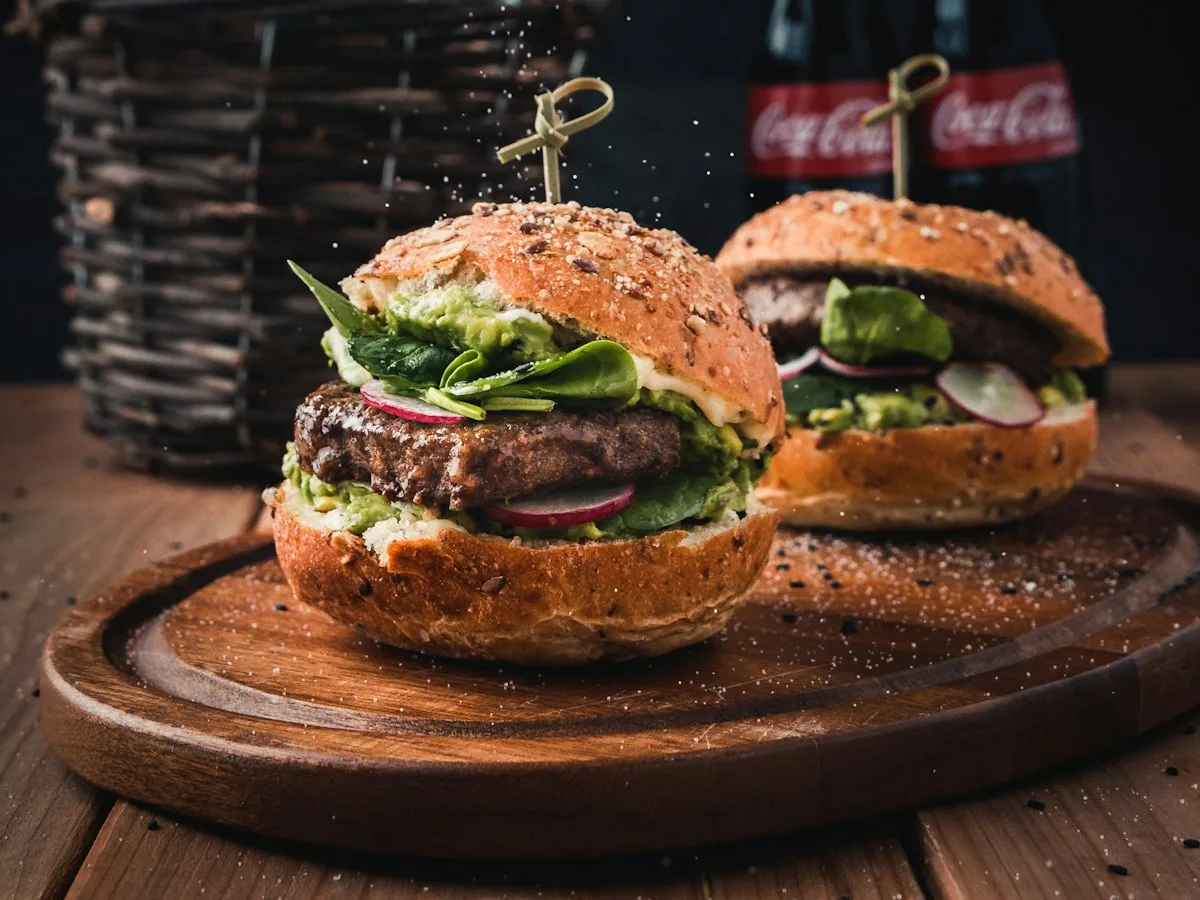

Take orders on your restaurant’s own website.
For 30 days you can try WP InPlate with your own menu, pickup times, delivery and kitchen display. If you need help getting started, get in touch.
No card required. Cancel anytime.