
WordPress agencies and freelancers
Building websites for food businesses? Add online ordering.
WP InPlate adds a restaurant menu, pickup, delivery, a kitchen display and a courier panel to WooCommerce. You can roll out these features on a client’s existing website and bill the setup as your own service.
Why roll out WP InPlate
An ordering system for restaurants without building it from scratch.
Technology you know
You add the menu, the cart, the order form and the delivery check with Gutenberg blocks or shortcodes on a WordPress website.
Works with WordPress themes
You can use the client’s theme if it’s WordPress-compatible. You don’t need to build a new website just to add ordering.
The owner updates the offer themselves
The owner can change prices, daily specials, availability and ordering hours from a tablet in the manager panel. That way, not every change needs a request to the developer.
The wizard helps with setup
The wizard takes you through choosing fulfillment methods, pages, hours, delivery zones, dish types and staff accounts.
A license for one website
The license is tied to one website. You can price the setup, configuration and staff training as your own service.
Data stays on the client’s server
Customer and order data are stored in the WordPress database on the venue’s server, not on an intermediary platform.
Your service
Setting up WP InPlate as a service for your clients.
WP InPlate provides the order-handling features. You configure them for a specific venue’s needs.
Analyzing the venue
Decide on the fulfillment methods, the delivery range, and whether the venue needs table ordering or a menu on TV screens.
Installation and the wizard
Install WooCommerce and WP InPlate, set up a payment gateway and go through the wizard.
Menu and add-ons
Prepare dish categories, products, add-on lists and seasonal offers. Also set up product suggestions for the cart.
Team training
Show staff how to run the KDS on a tablet, handle deliveries on a phone and change the offer in the manager panel.
Burgers
Juicy aged-beef burgers in a buttery brioche bun.
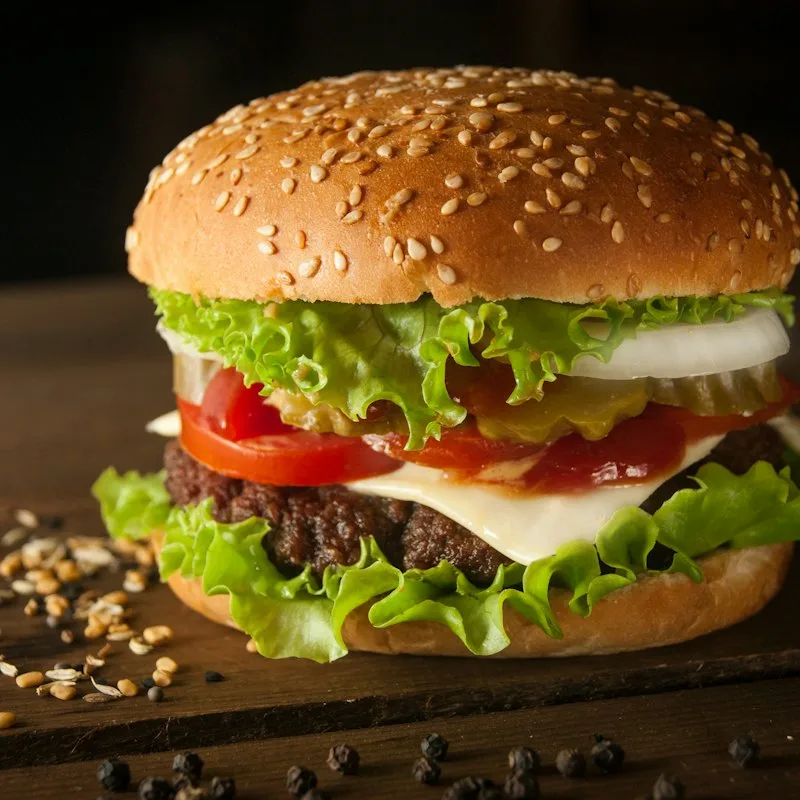
Classic Burger
180 g180 g beef patty, lettuce, tomato, red onion, pickle, burger sauce.

Cheeseburger
180 g180 g beef patty, double cheddar, caramelized onion, mustard, ketchup.
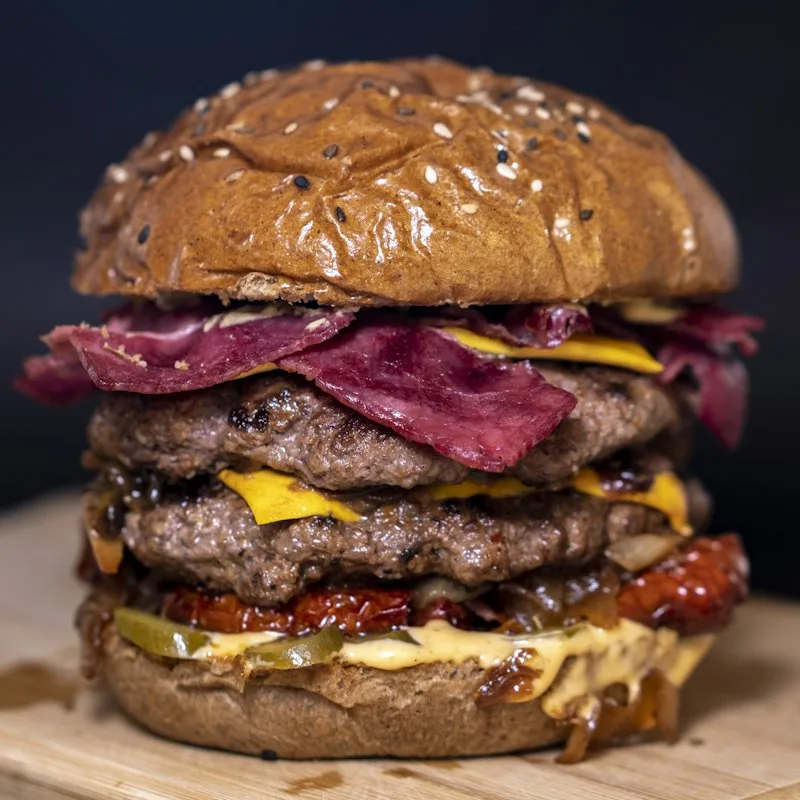
Bacon BBQ Burger
180 g180 g beef patty, crispy bacon, cheddar, onion rings, BBQ sauce.
Requirements
WP InPlate technical requirements.
WordPress 6.4+, WooCommerce 8.0+ (tested up to 10.7), PHP 8.1+, a working REST API and HTTPS. Delivery zones use OpenStreetMap maps.
Page caching
Turn off full-page caching for the menu and order form pages. Otherwise, customers may see outdated cart or dish availability data.
HTTPS
HTTPS is needed to add the KDS and the courier panel as PWA apps.
Sound in the KDS
Because of browser rules, the new order sound may need a first tap on the screen. Include this in staff training.
FAQ
Questions about setting up WP InPlate.
Didn’t find your answer? Write to us. We’ll answer your questions about the product.
Roll out WP InPlate on your clients’ websites.
Tell us which venues you work with and what they need. We’ll discuss the setup and license terms.
No card required. Cancel anytime.