Orders through delivery apps usually cost somewhere between the low teens and 30% of the order value (more in the article Delivery app commissions in Poland). Orders on your own website have no such commission, and customer data stays with you. You do have to organize them yourself, though: from the online menu and payments to how an order reaches the kitchen.
Below are the steps every venue goes through when it launches its own ordering, whichever system it chooses.
Step 1. Decide how guests will get their orders
Start with the fulfillment methods, because everything else depends on them:
- Pickup – the simplest start. You don't need a courier, and the guest chooses a pickup time.
- Delivery – needs a courier (your own or on-demand), delivery zones and fees. We broke down the costs in the article Own delivery or delivery apps?.
- Ordering on site – the guest orders from their phone at the venue, e.g. from a QR code on the table. A waiter doesn't have to take the order, and fewer people queue at the counter at peak times.
You don't have to launch everything at once. A venue that starts with pickup quickly finds out whether the kitchen keeps up and whether guests order online at all.
Step 2. Prepare the online menu
A menu for ordering is different from the menu in the venue. It has to work on a phone, without a waiter to fill in the details.
- A short menu to start. Choose dishes that travel well and whose preparation doesn't block the kitchen.
- Descriptions and photos. The guest can't see the dish on the next table. Ingredients, portion size and a photo replace the conversation with the waiter.
- Add-ons and variants. Size, sauce, extra cheese, no onion. Well-set add-ons raise the average order value.
- Availability. When a dish runs out, you have to switch it off quickly. Otherwise the order comes in and you end up calling the customer.
- Allergens. In distance selling, the mandatory food information, including allergens, must be available before the customer completes the purchase. This is set out in Article 14 of Regulation (EU) No 1169/2011. The simplest way is to show it with every dish.
Step 3. Choose an ordering system
You have three main options:
| Solution | How it works | What to watch out for |
|---|---|---|
| A ready-made service (SaaS) | An outside company provides an ordering page or widget, you pay a subscription | Whether you pay a commission on orders, who owns the customer data, whether the page is on your domain |
| A plugin for your website | The system runs on your website, e.g. on WordPress with WooCommerce | Who will set it up and keep it updated, which features it has as standard |
| A POS system with an online module | Online orders go into the same system as sales at the venue | The cost of the whole system, whether the online module is included |
Whatever you choose, ask the provider the same questions:
- A commission or a fixed fee? As your number of orders grows, a fixed fee usually works out cheaper.
- Who owns the customer data? Your list of regulars is your biggest asset.
- Does it support your rules? Order-taking hours, a choice of pickup and delivery times, preparation time, delivery zones with different fees and order minimums.
- How does an order reach the kitchen? Email, a ticket printer or a kitchen display.
- Is there a free trial? It's best to test the system on your real menu before you pay.
Step 4. Set up payments
You have two options, often combined in one system:
- Online payment – by card, BLIK or instant bank transfer through a payment provider. For example, in Poland Stripe charges 1.5% + PLN 1 for a standard EEA card and 1.6% + PLN 1 for BLIK (a popular Polish mobile payment method). How soon the money reaches your account depends on the provider.
- Payment on pickup – in cash or by card at the venue or to the courier. No online provider fees, but with the risk that someone doesn't collect their order.
To start with, online payment for delivery and any method for pickup works well. Once you know your guests, you can change that.
Step 5. Set the fulfillment rules
These are the settings that decide whether the kitchen keeps up and whether delivery pays off:
- Order-taking hours – they don't have to match your opening hours. They often end earlier than the kitchen's working day.
- Preparation time – realistic, and longer at peak times. Better to promise 40 minutes and make it in 30 than the other way round.
- Fulfillment windows – the times for which a customer can order pickup or delivery, and the interval between them, e.g. every 15 minutes: 12:00, 12:15, 12:30. The customer picks a time from a list, and the kitchen knows when to have the order ready.
- Delivery zones – a lower fee and minimum closer by, higher ones farther away. See how this works in delivery zones.
- An order minimum – the amount below which delivery doesn't pay off.
Step 6. Decide how orders reach the kitchen
An online order is only good if the kitchen sees it right away.
- Email or a phone call to the venue – the simplest, but easy to miss at peak times.
- A ticket printer – the order prints in the kitchen, just like orders from the dining room.
- A kitchen display (KDS) – orders appear on a tablet or monitor, with a sound and statuses: new, in preparation, ready. See the kitchen display.
Do a dry run before you launch: a few test orders during working hours, for pickup and delivery. You'll see whether everyone knows what to do with a new order.
Step 7. Paperwork
- Ordering terms and a privacy policy. You sell at a distance and process customer data, so both documents have to be available on your website.
- Allergens and food information – described in step 2.
- Cash register and VAT. Agree with your accountant how to record sales paid online and on pickup. We described VAT rates for food service in Poland in the article Restaurant VAT in Poland.
Step 8. Tell guests they can order directly
The best system achieves nothing if nobody knows about it.
- Google Business Profile. Google lets you add an ordering link to your profile. It's the first place people look for a venue.
- Social media and your homepage. An “Order online” button should be visible without searching.
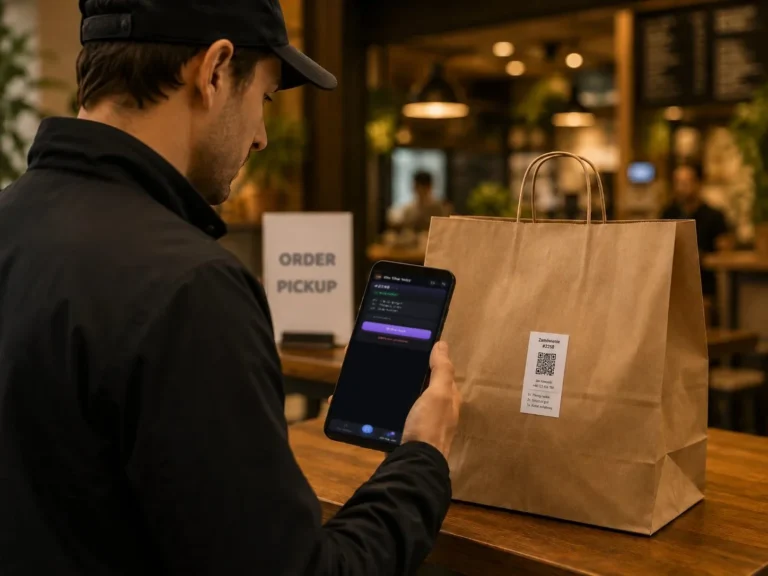
- At the venue. A QR code on the tables, by the counter and on takeaway bags.
- Regulars. Tell them directly that by ordering from you, they support the venue. You can add an incentive, e.g. a discount on the first order or a free extra with pickup.
The most common mistakes at the start
- The whole in-house menu moved online, with dishes that don't travel well.
- Out-of-date dish availability and hours that don't match reality.
- Fulfillment times promised on the basis of a quiet afternoon, not a Friday evening.
- No allergen information.
- The ordering link hidden in the website footer.
Summary
Your own online ordering means a menu, a system, payments, fulfillment rules and a way to pass orders to the kitchen. Start with pickup and a short menu, test the process during working hours, then add delivery. Promoting it to your regulars matters most. They're the ones who'll move from the apps fastest if they know they can order directly.