
Gutenberg blocks and shortcodes
A restaurant website built from ready-made blocks.
You add a menu with online ordering, a featured dish slider, categories, opening hours and a delivery checker in the WordPress editor like any other block. They look like your theme, and they take prices, hours and availability straight from WP InPlate.
12 blocks in one license · No card required
Home
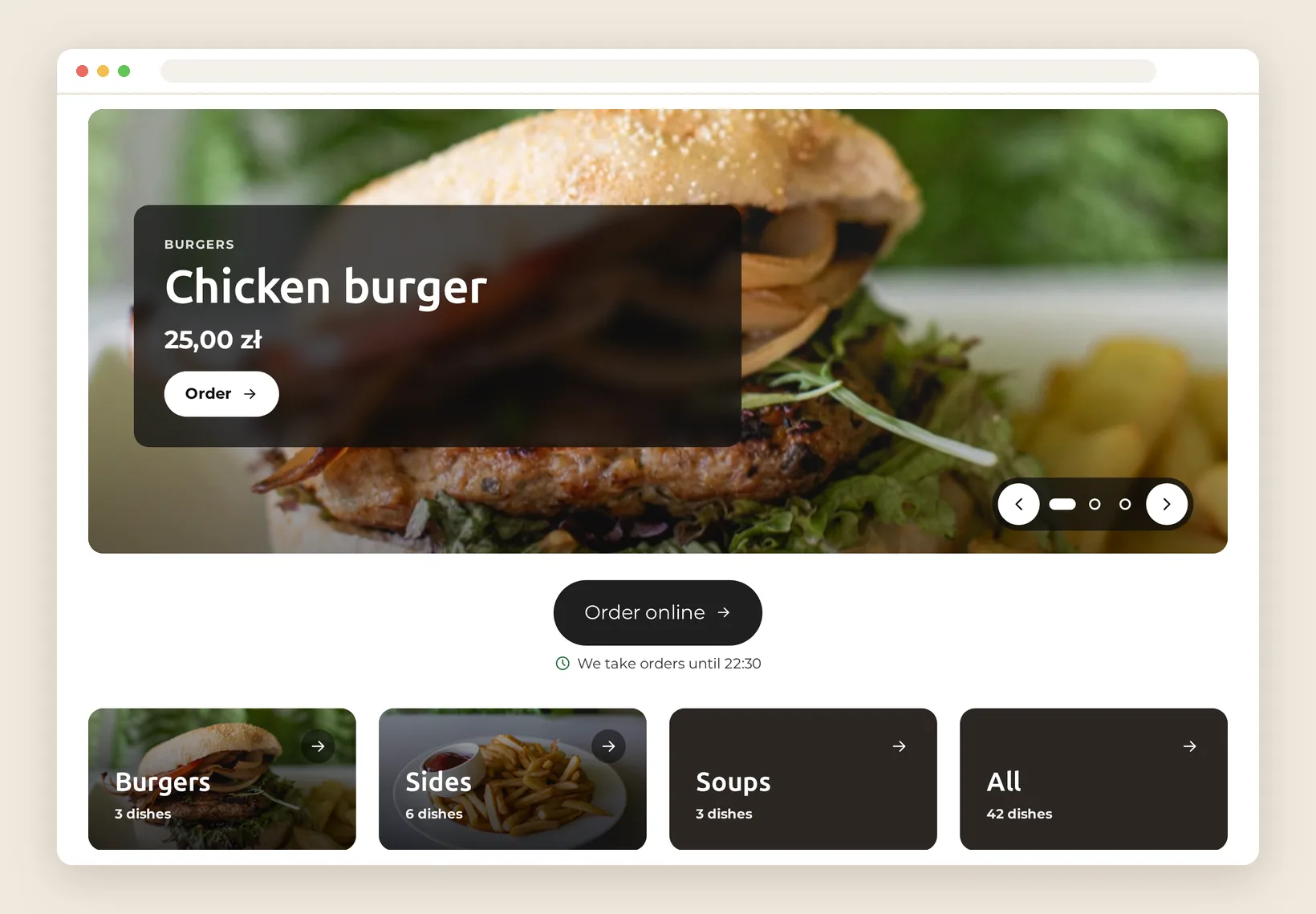
A first screen that leads to an order.
Featured dishes, categories and a button that knows whether you take orders right now. No retyping prices or hours.
Dish slider
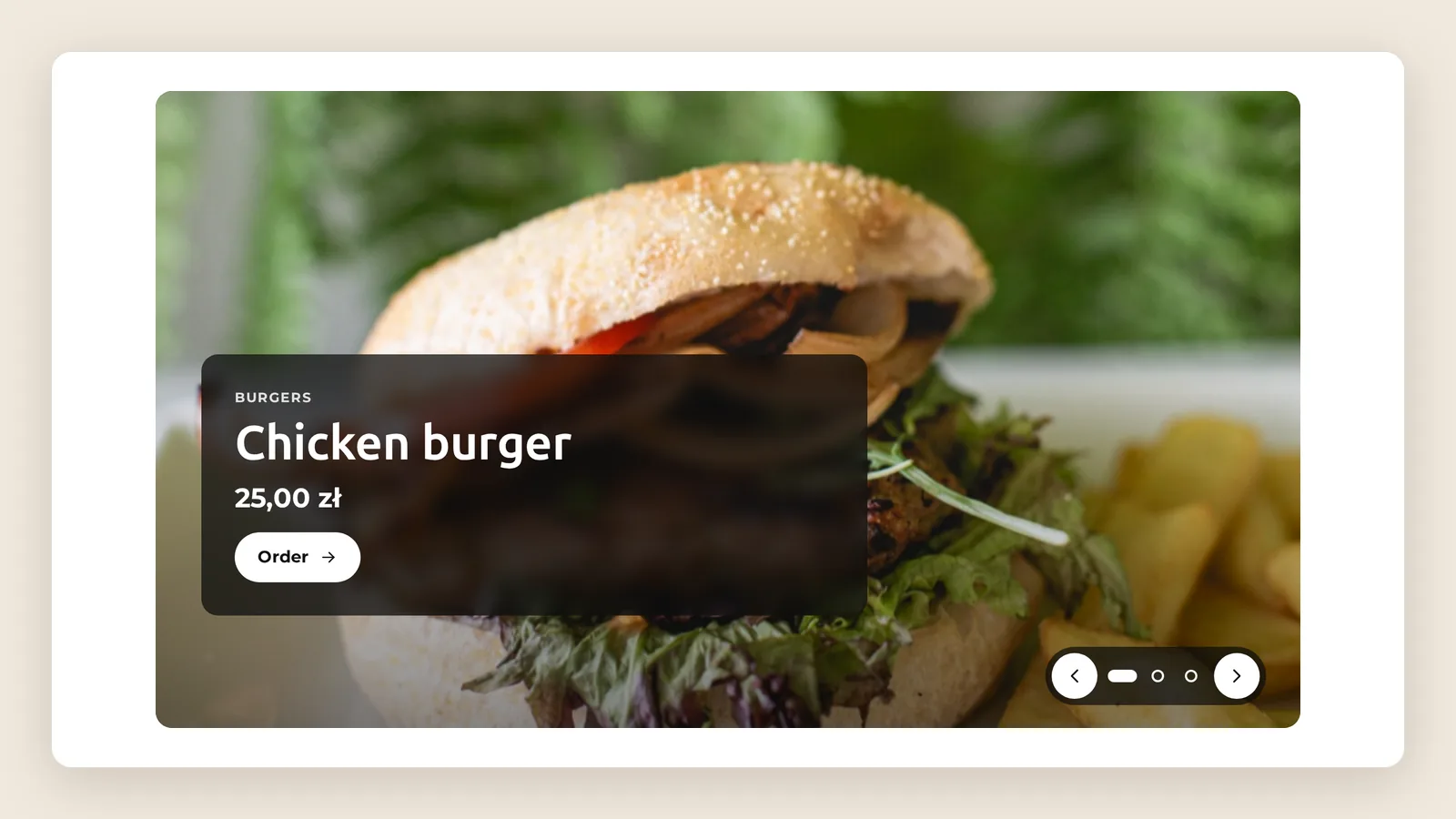
Featured dishes from chosen categories or picked one by one, as a big banner or as cards side by side. The “Order” button opens the dish window, so guests order without searching the menu.
Menu categories
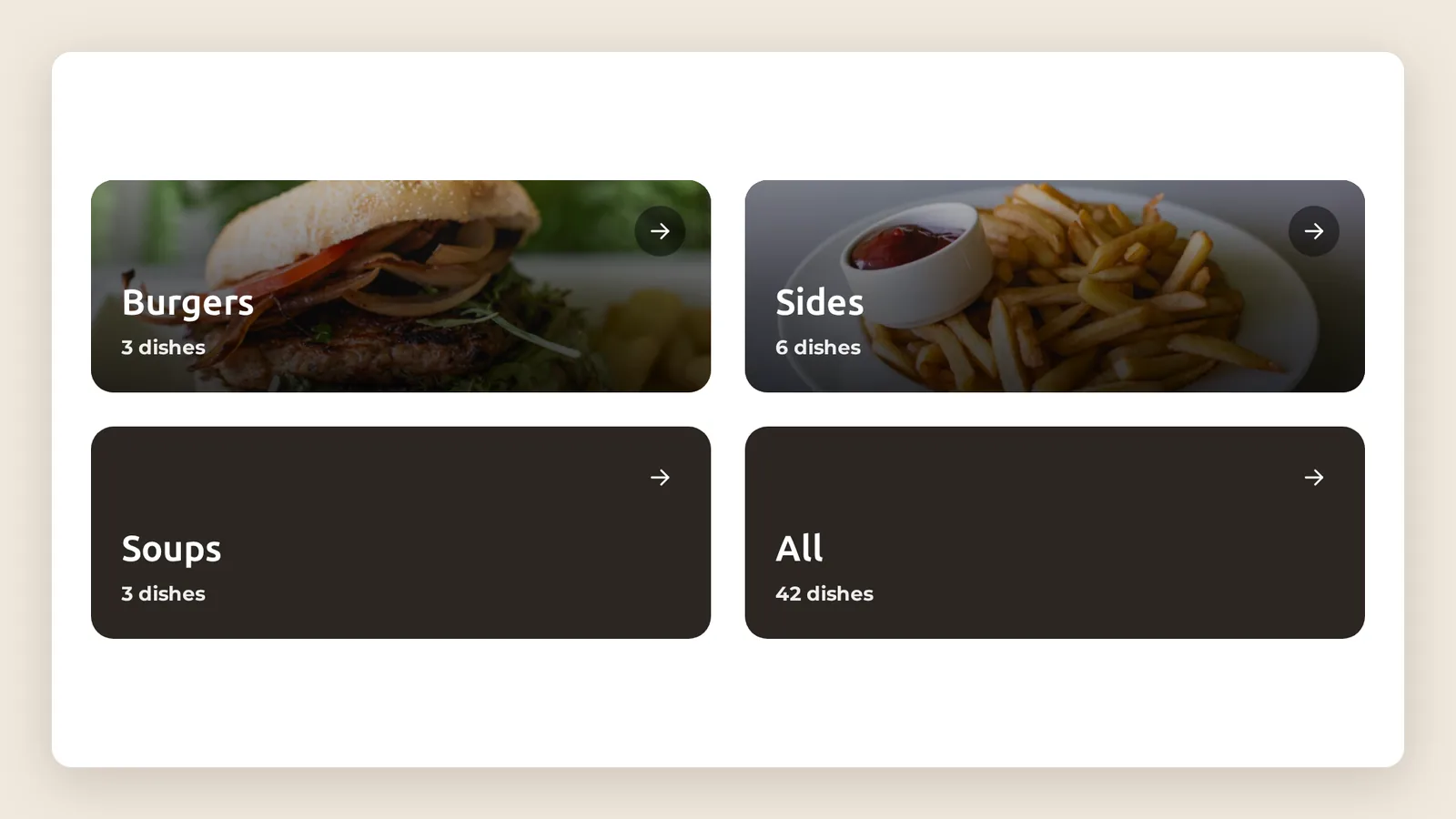
The categories you pick, in your order, as tiles, a list, cards with a photo or banners. A click leads straight to that category in the menu.
Order button
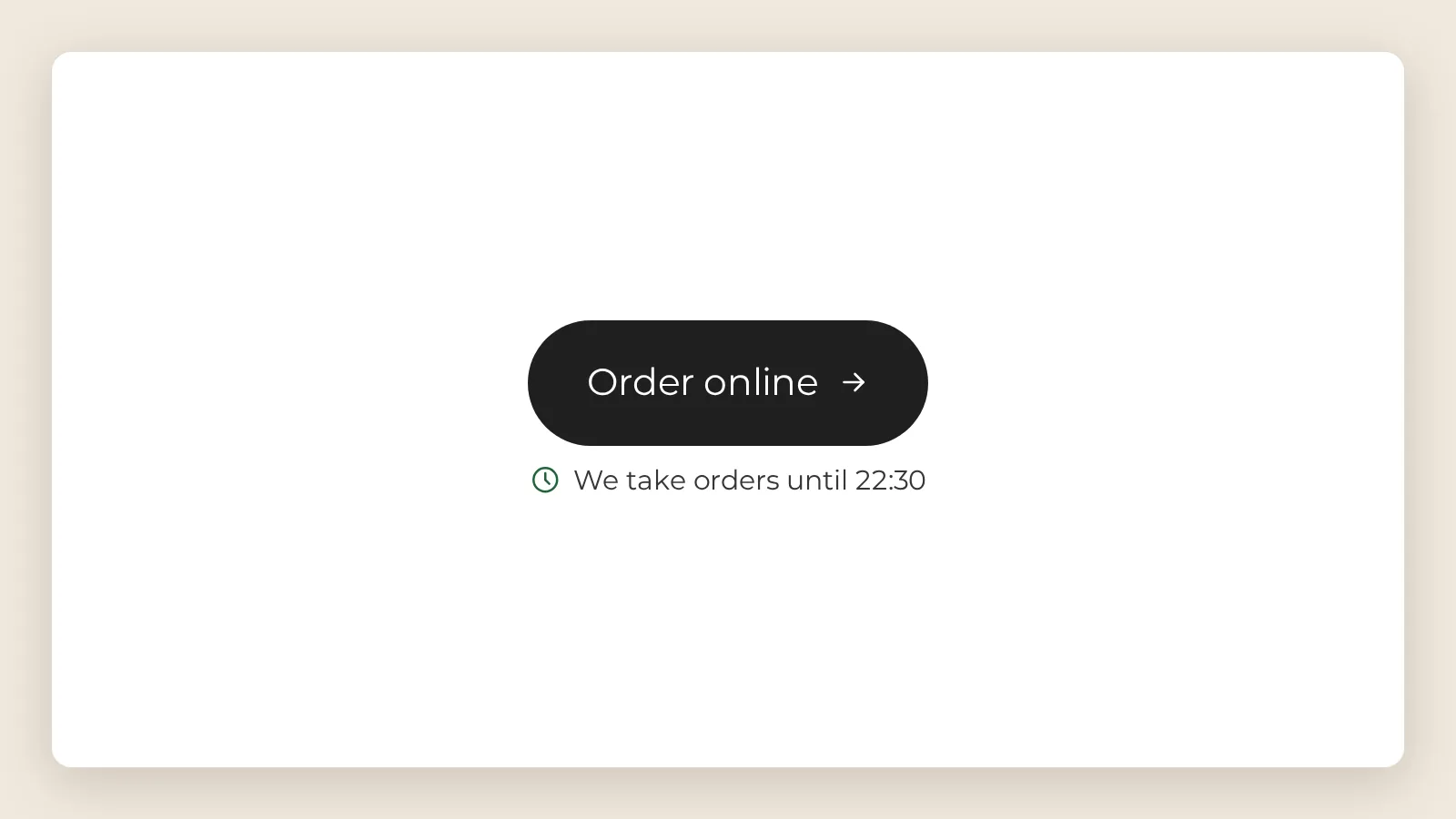
“Order online” while you take orders, and “View menu” after hours and during a break. Below it, the ordering hours, always up to date.
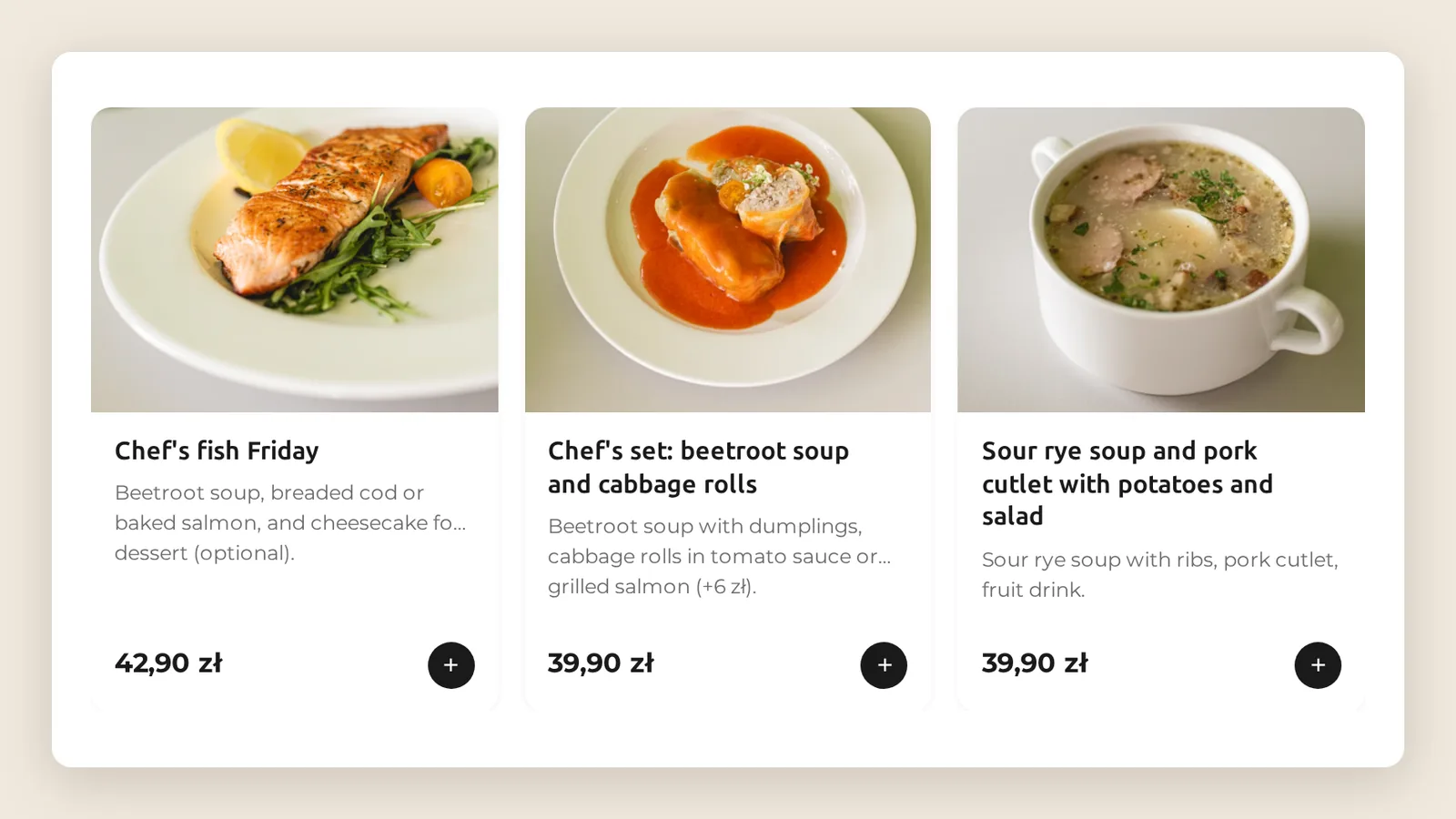
Daily special
Today’s dishes and sets from the InPlate panel. The next day the block shows the new ones by itself, and after the order deadline it says when you take orders again.
Menu and ordering
A menu that takes orders.
A menu with a cart on your own website, with category navigation and an address check for delivery before guests start choosing.
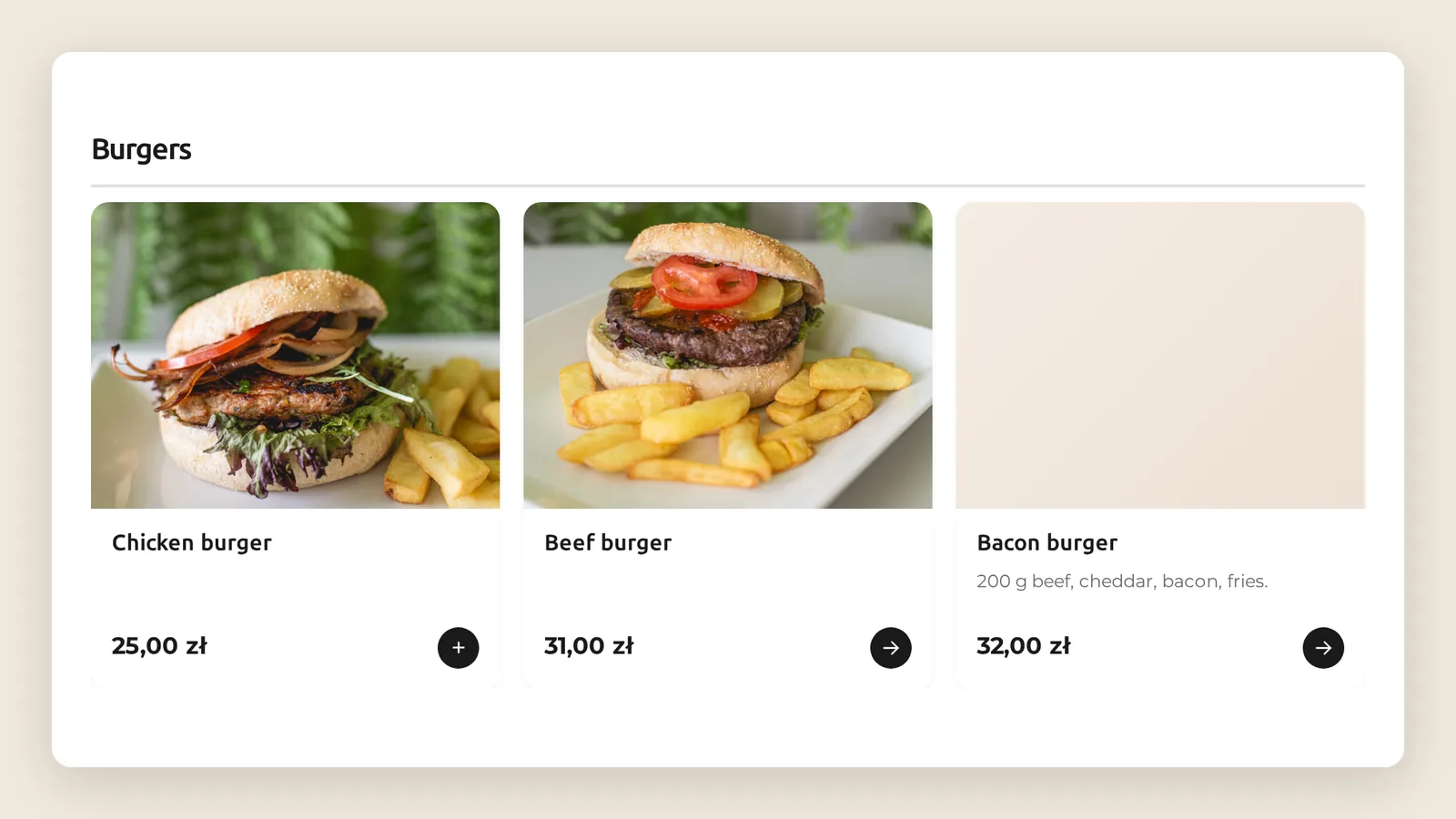
Menu
The full menu with add-ons, sizes and notes to dishes. Four layouts: grid, list, tiles and classic, like a printed menu.
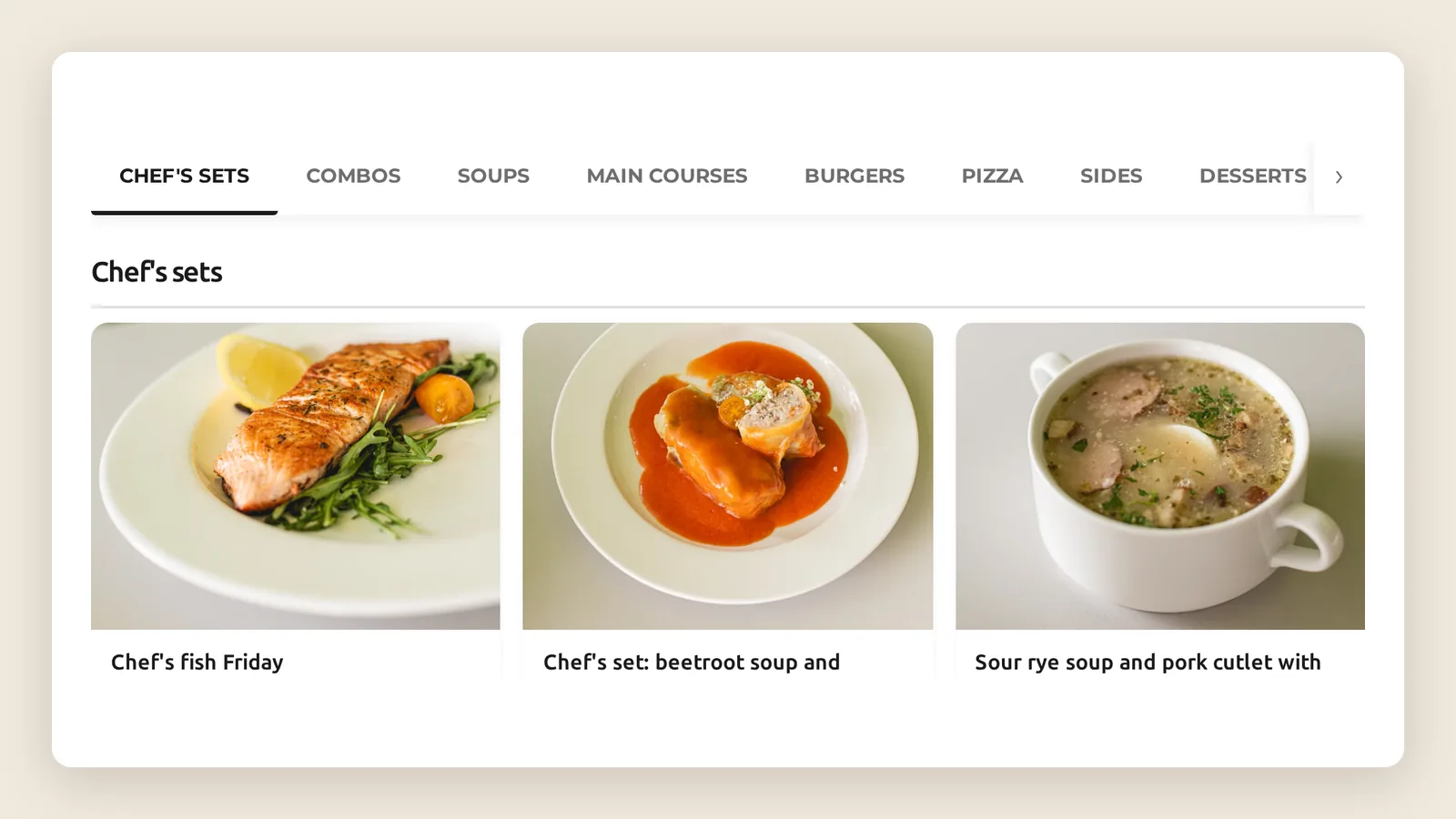
Menu navigation
Category buttons above the menu or in a column beside it. They scroll to the section and highlight the one the guest is looking at, subcategories included.
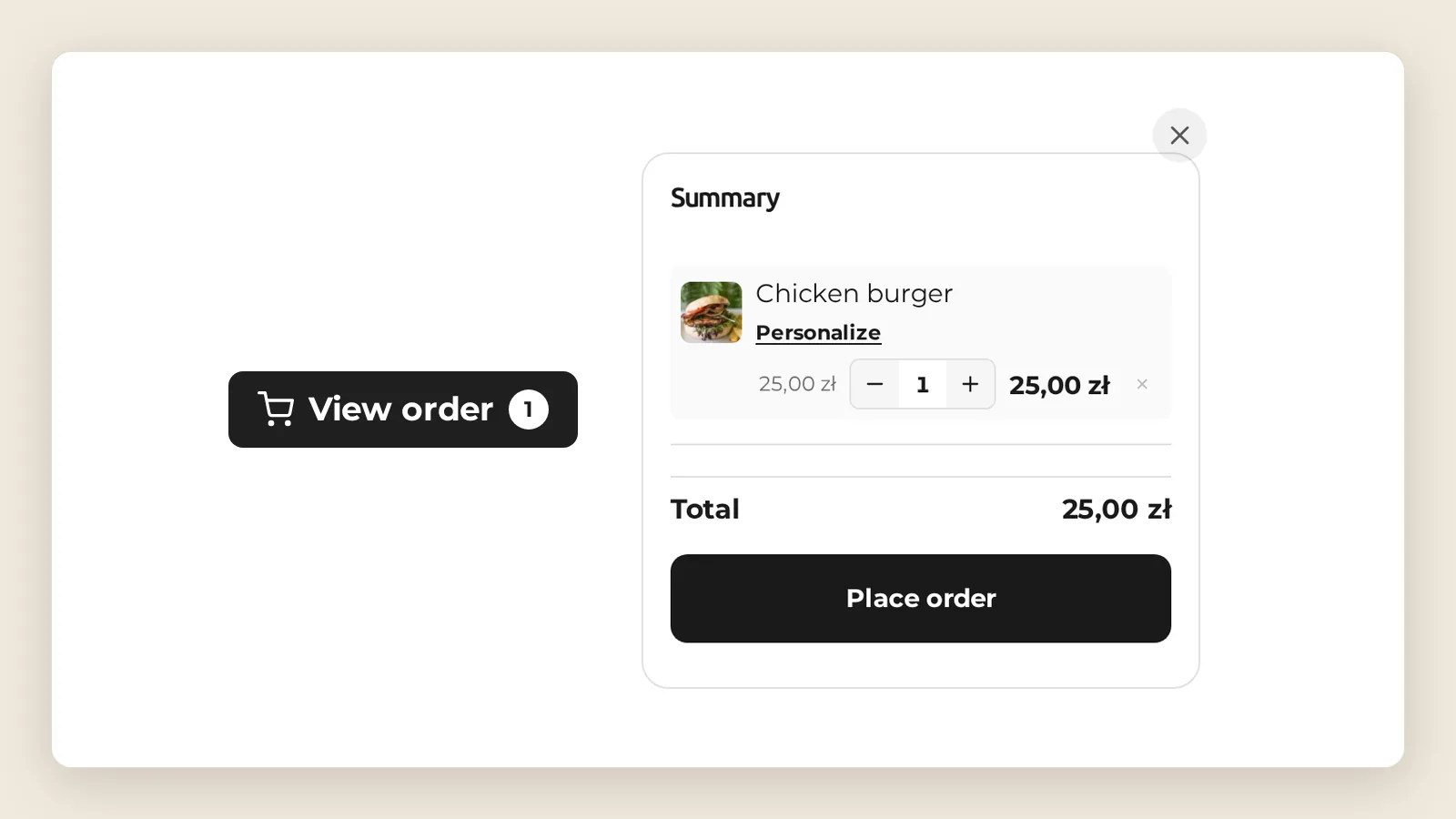
Cart
A button with the number of items, e.g. in the header. It opens a panel with the summary, quantity changes and the way to the order.
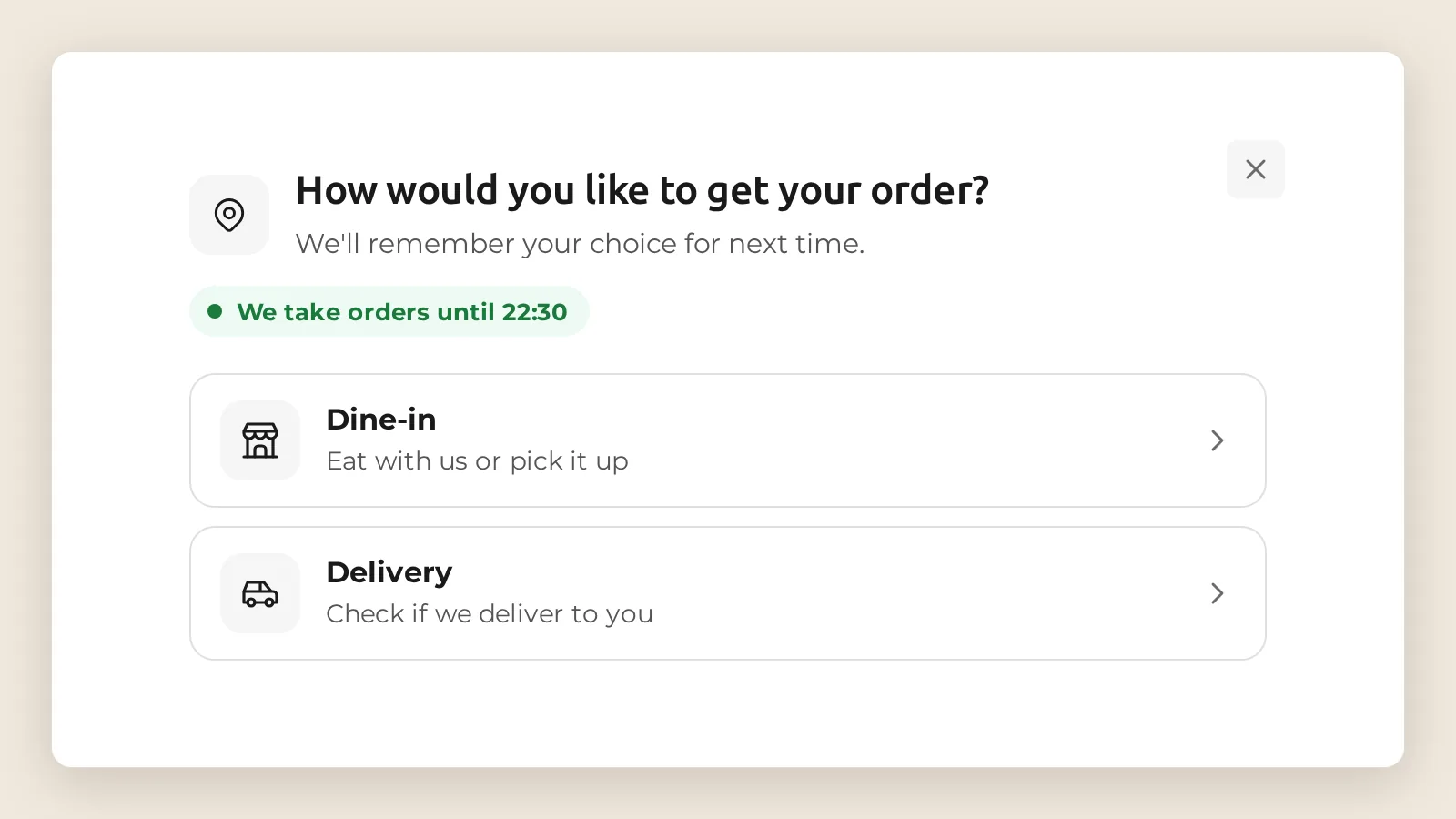
Delivery checker
Guests choose pickup or delivery and check their address right away: the zone, the order minimum and the free delivery threshold. Their choice goes into the order form.
Information for guests
Hours, allergens and language always match your panel.
You change the hours or a dish’s ingredients in WP InPlate, and the website shows it right away. One change instead of fixing the footer, the contact page and the allergen chart.
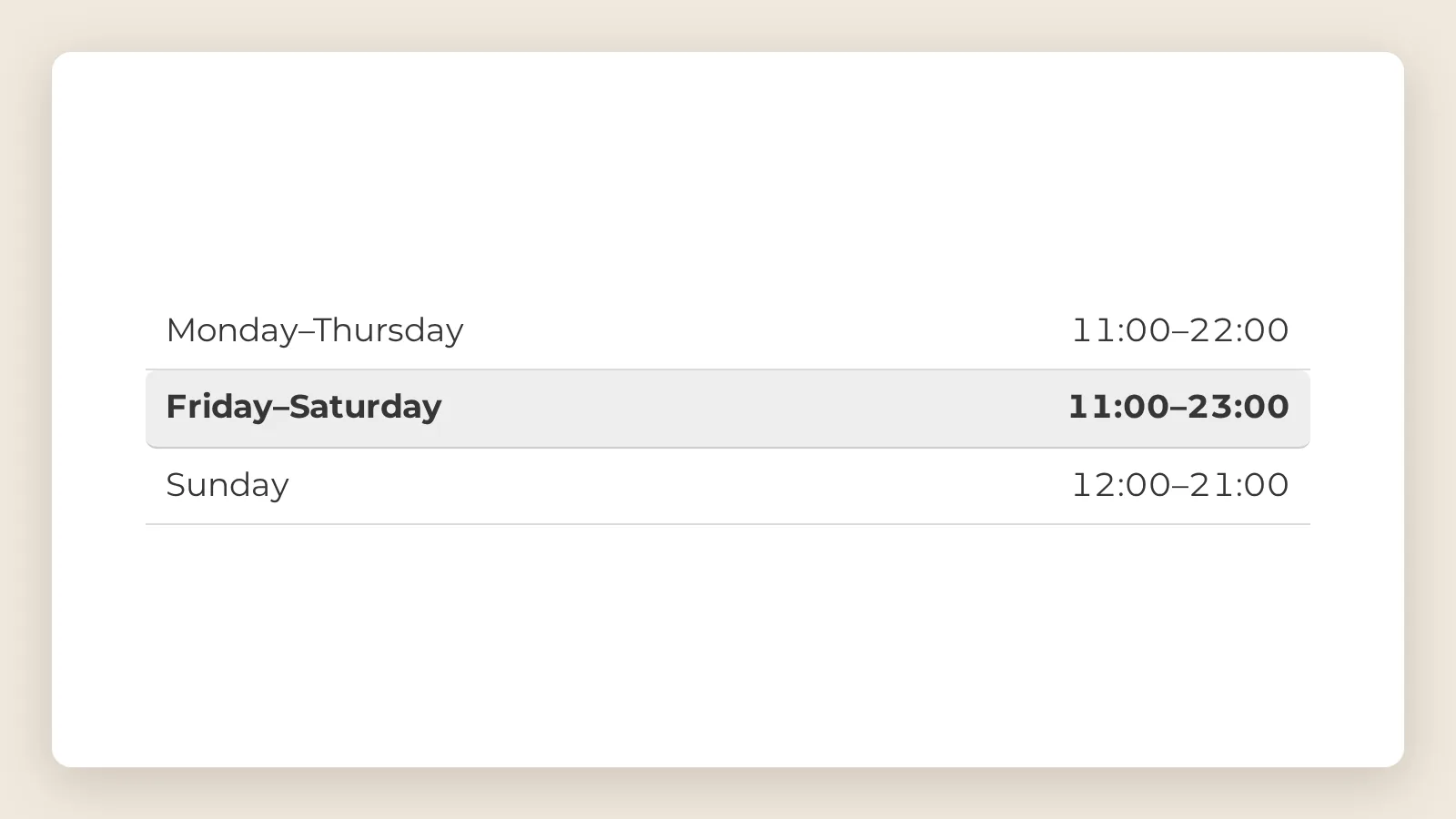
Opening hours
Hours from your schedule as a list, a table or a compact version for the footer. Days with the same hours are grouped automatically, and holidays show up in advance.
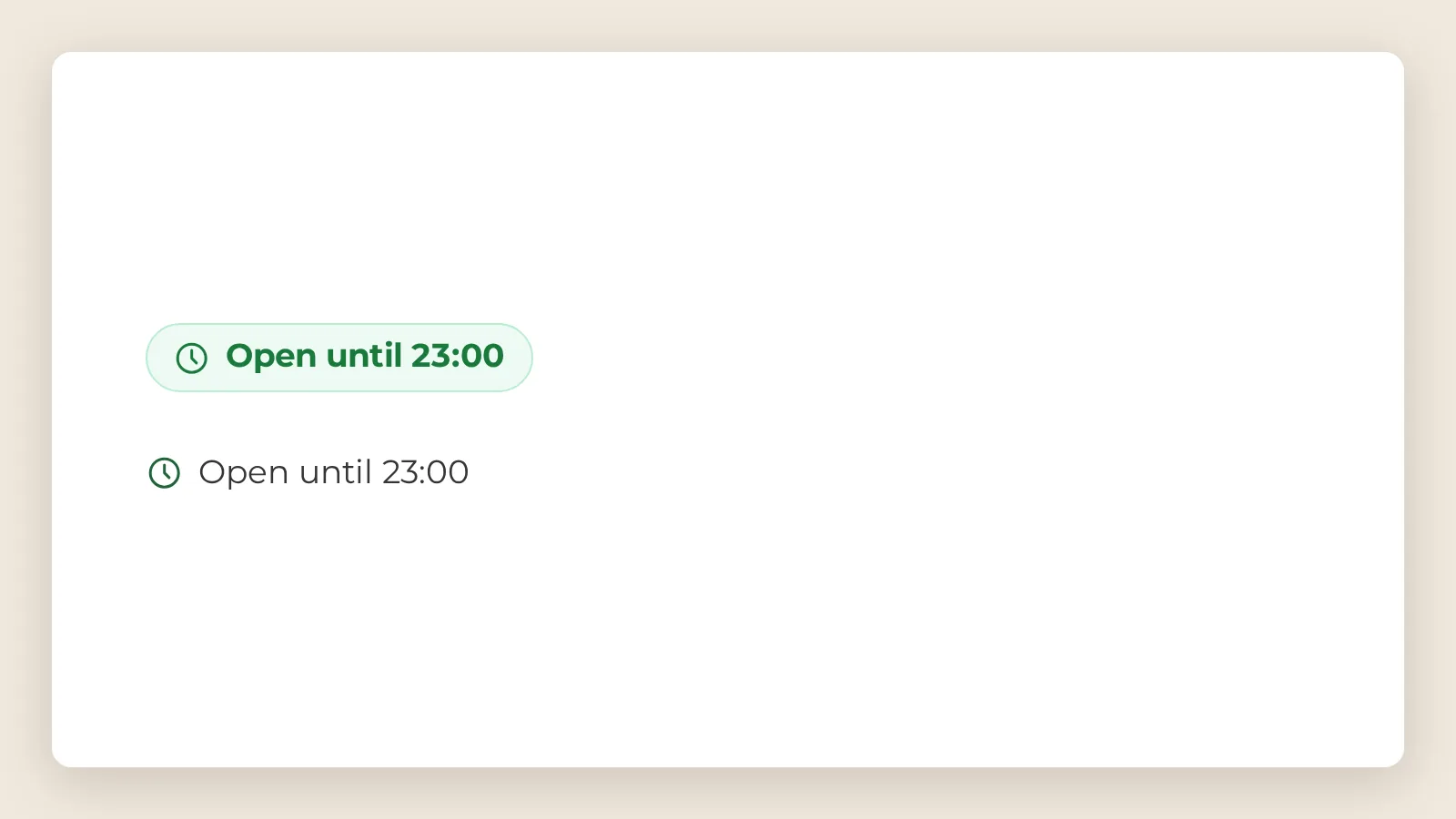
Opening status
One line for the header: “Open until 22:00” or “Closed – opening tomorrow at 12:00”. It updates by itself, also on a cached page.
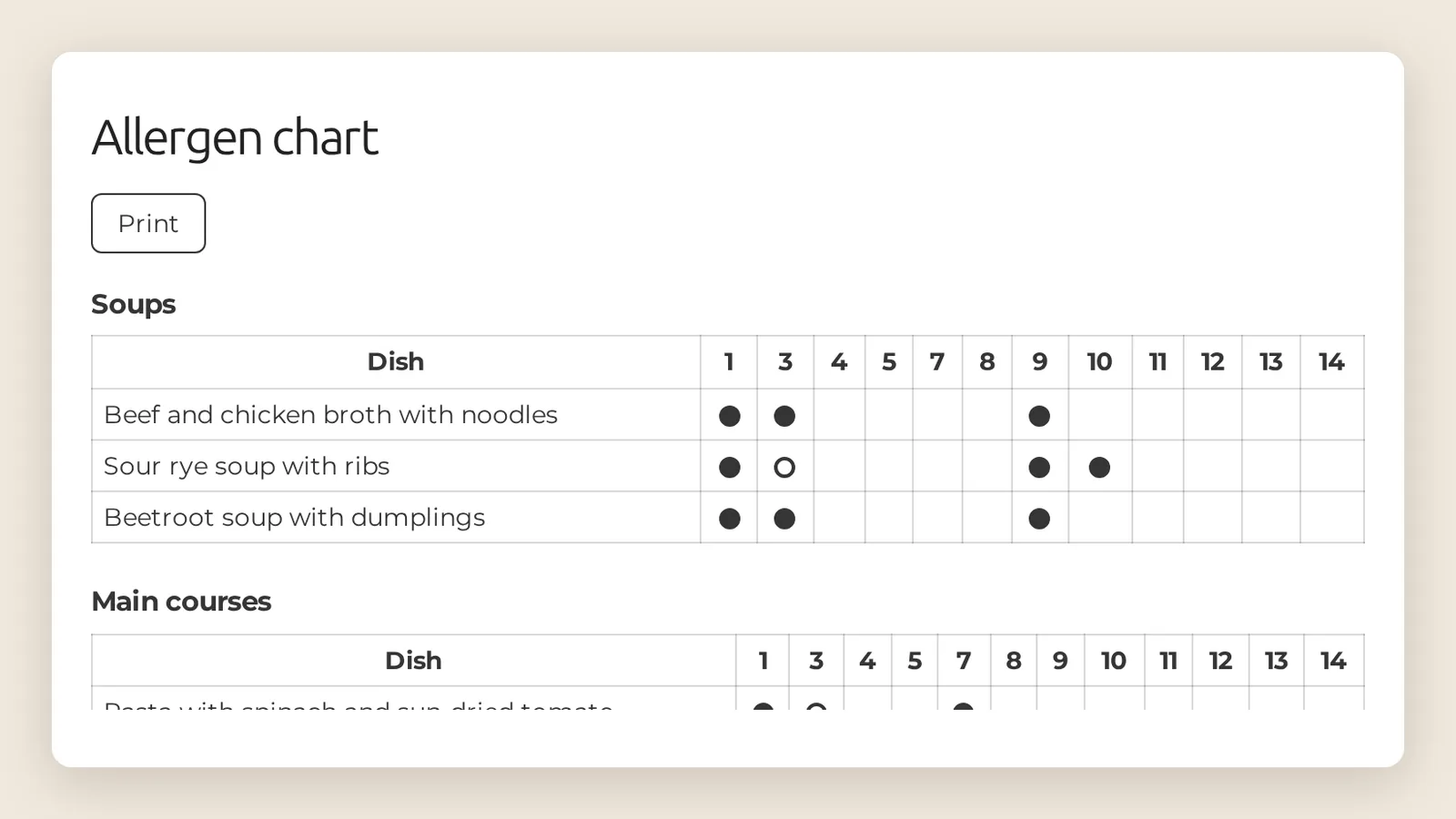
Allergen chart
A table of all dishes and the 14 allergens, by category, with a “Print” button. It is built from the data you already enter for each dish.
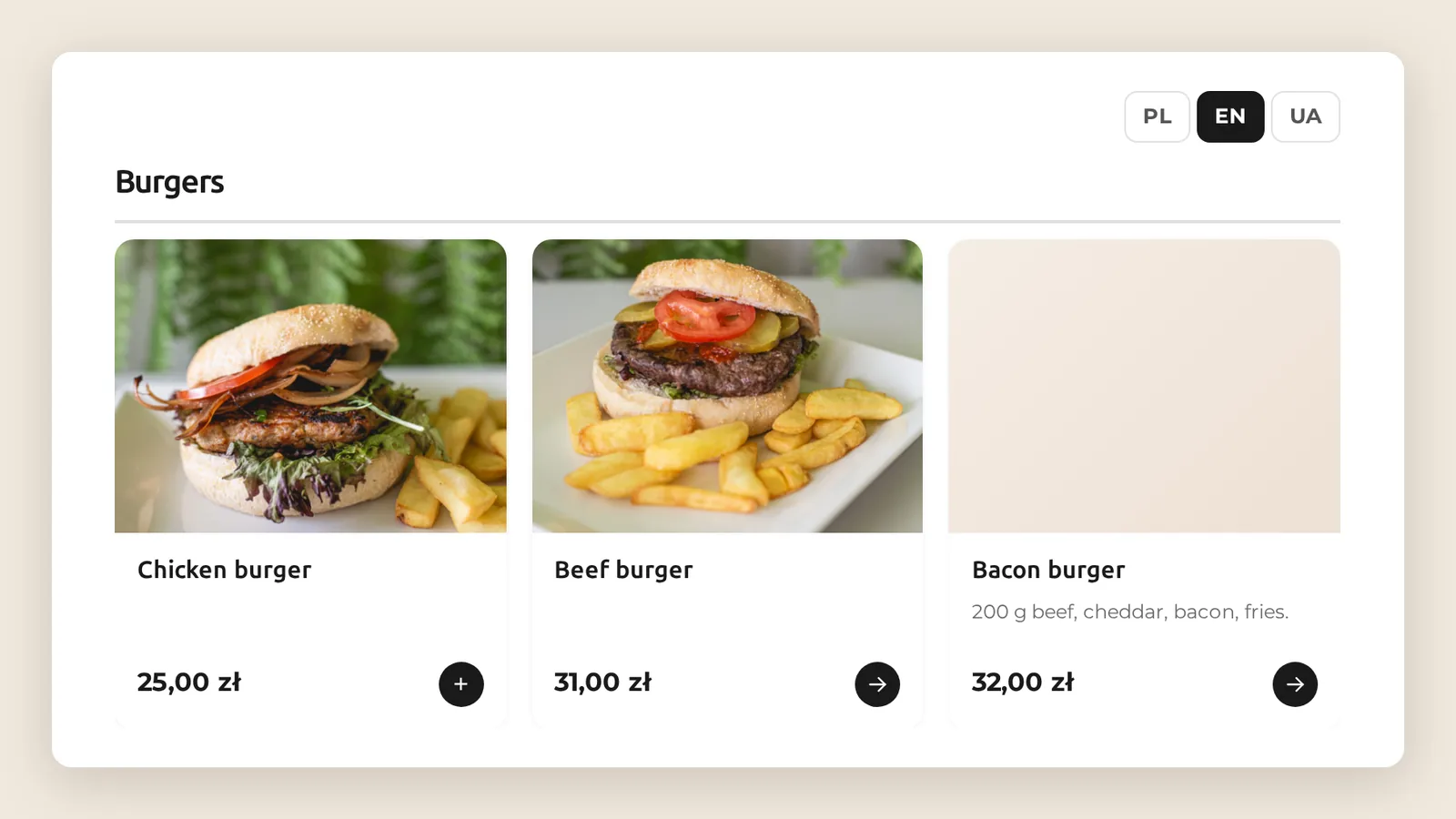
Language switcher
Guests choose the language of the menu and ordering, e.g. Polish, English or Ukrainian. Put the switcher above the menu or in the site header.
How it works
Add a block and you’re done.
No code and no page builder plugins. The blocks are in the WordPress editor, and their content comes from the WP InPlate panel.
Add a block
In the editor, click “+” and type “InPlate”. You’ll see the list of all WP InPlate blocks.
Set the look
You choose the layout, categories, number of columns, photos and descriptions in the block panel, with a live preview.
The rest happens by itself
Prices, hours, dish availability and daily specials come from WP InPlate. A change in the panel or in the KDS is on the website right away.
In every block
They fit your website, not the other way around.
Your theme’s look
Fonts, colors and buttons come from your theme, so the blocks look like the rest of the website. They work with any WordPress theme.
Shortcodes for page builders
Almost every block has its own shortcode, so you can also add it in a page builder that supports shortcodes.
Up to date despite caching
The opening status, the order button and the dish slider check the current state by themselves. You don’t have to turn off caching.
Accessibility
Keyboard support, screen readers and text contrast designed for WCAG 2.1 AA and checked with the axe tool.
In the page’s language
On a multilingual website the blocks speak the guest’s language, and dishes show their translated names.
Everything in one license
Every block is included in WP InPlate. No add-ons to buy and no commission on orders.
FAQ
Questions about the blocks.
Can’t find an answer here? Write to us.
Build a website that takes orders.
Try all the blocks on your own website for 30 days, with your menu and your theme.
No card required. Cancel anytime.